SkySlope Search
Users were writing in complaints about searching for property files within SkySlope. The specifics varied, but the sentiment was “search doesn’t work.” This was an opportunity to surprise and delight our users by figuring out what exactly wasn’t working, for how, and what was the best way to make search better than they could imagine.
User Experience Design
Problem Validation
Product Design
Stakeholder Management
User Testing
PM & Dev Partnership
SkySlope is a real estate transaction management platform for agents and brokerages; it collects all the signed forms the agent has gathered into property files so that the brokerage can review them for compliance.
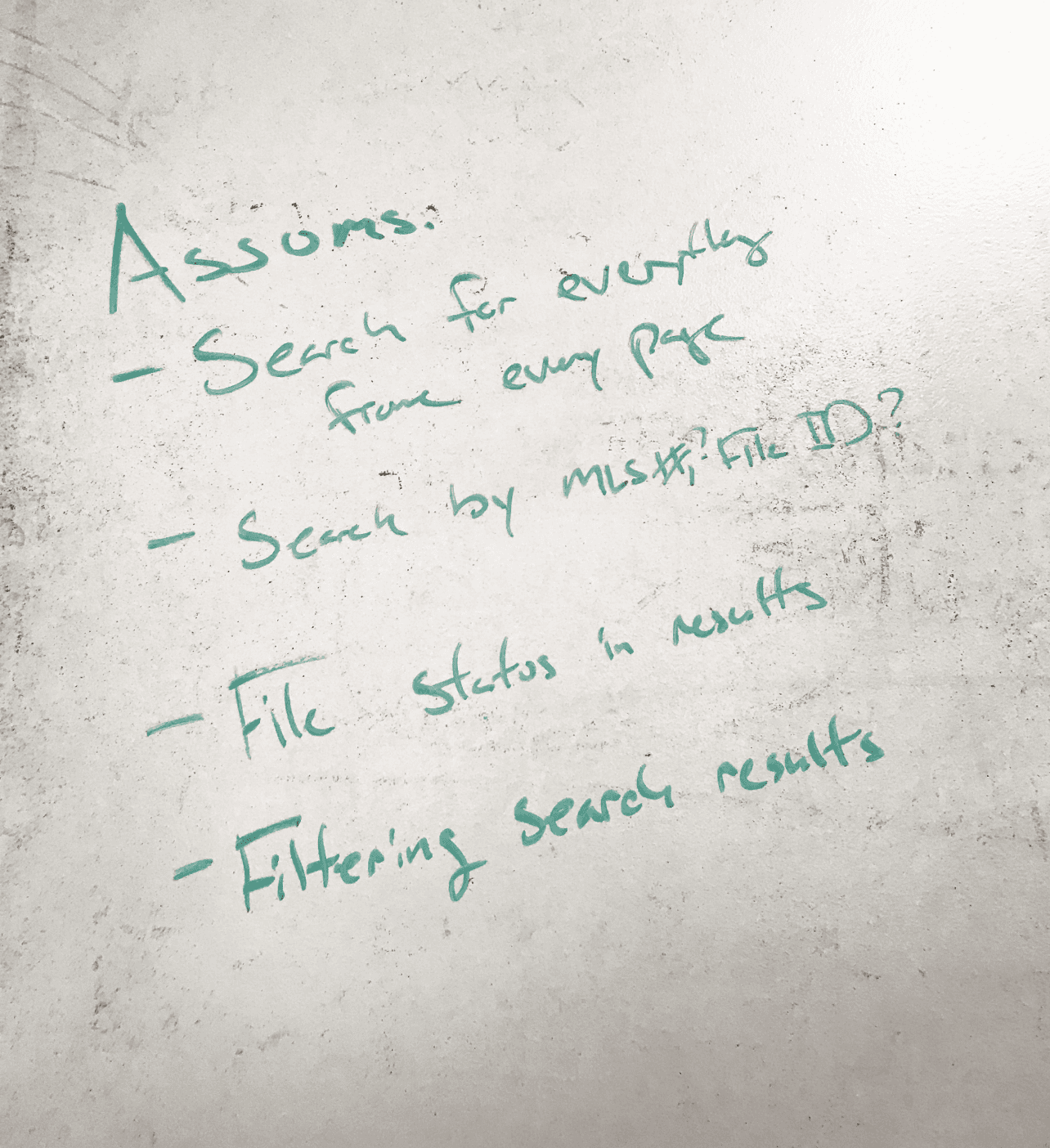
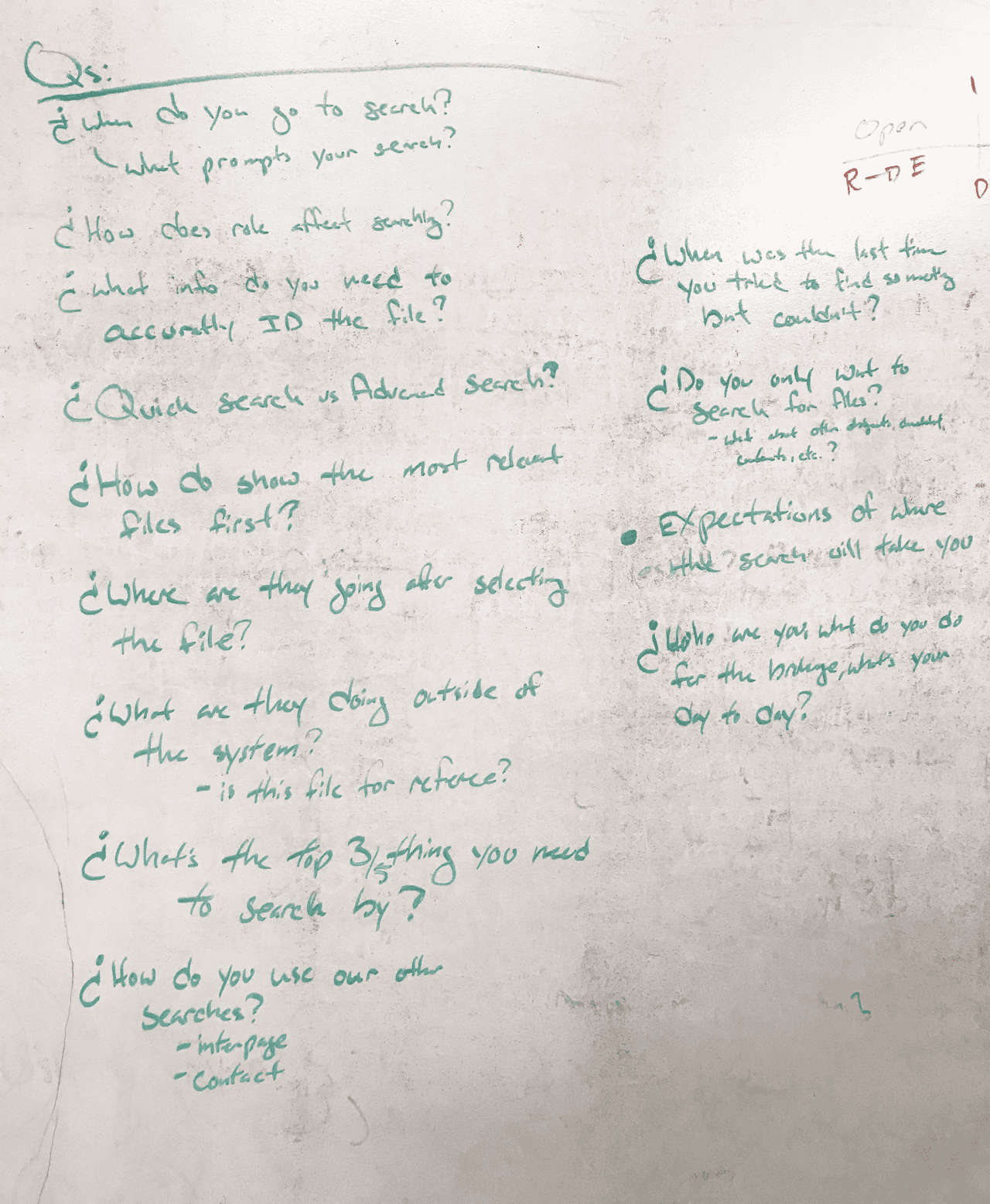
First, I tapped another designer to act as a sounding board while I laid out everything I assumed I knew and wanted to learn about this search problem on a whiteboard.
Thinking out loud with someone else helped me hone in on my assumptions and what questions we wanted to answer through our discovery phase.
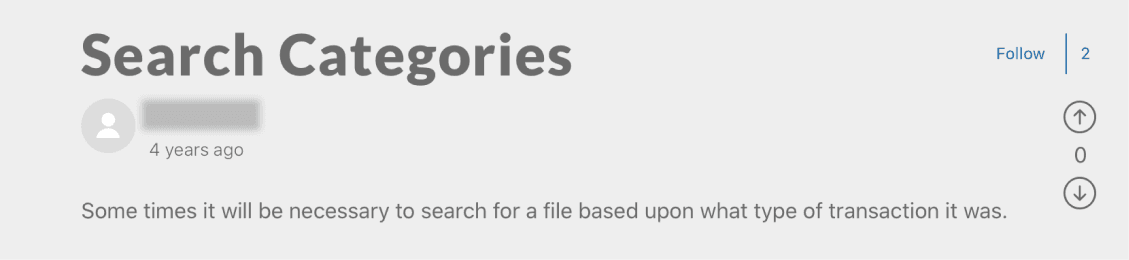
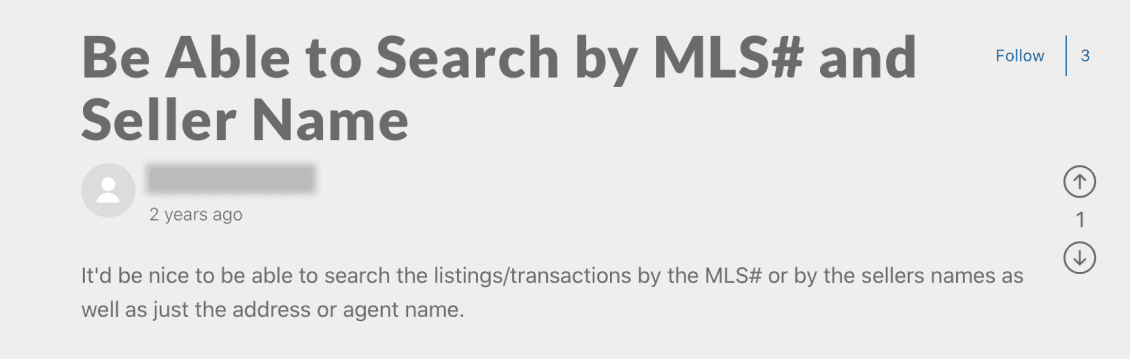
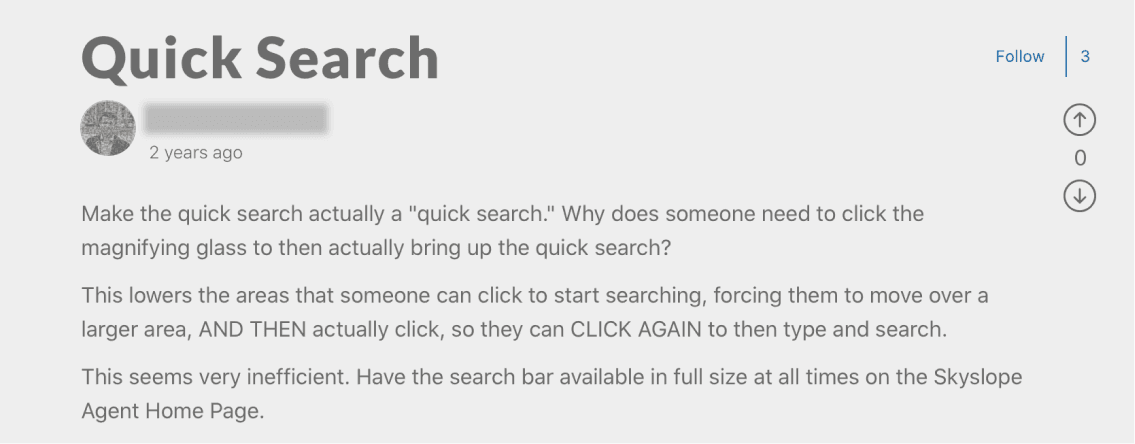
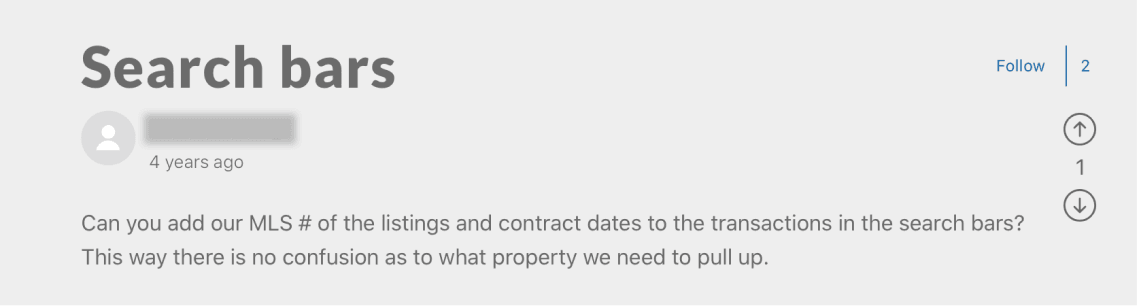
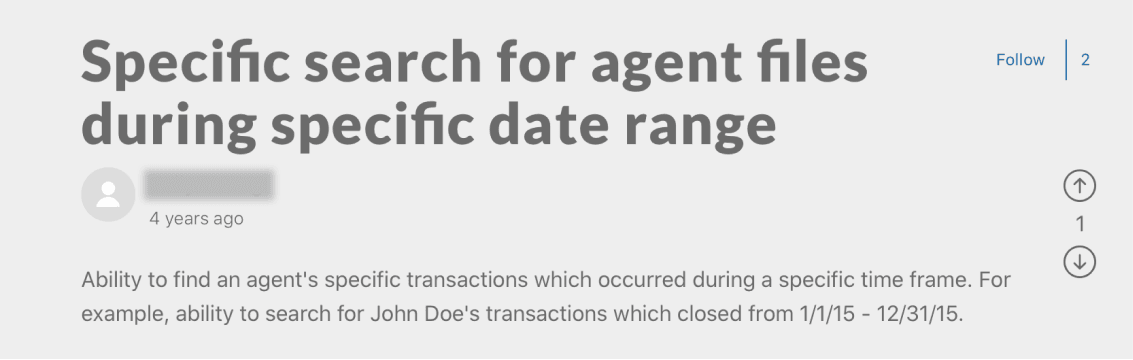
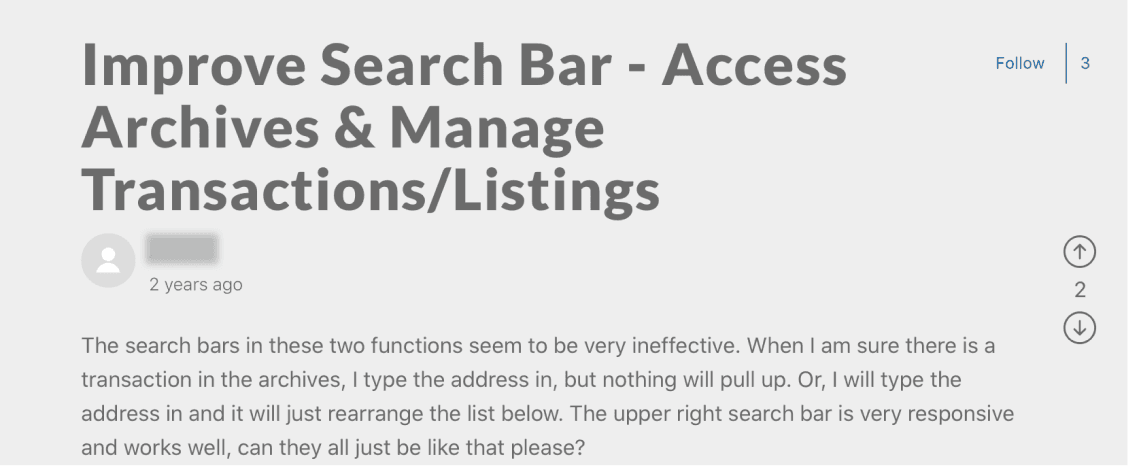
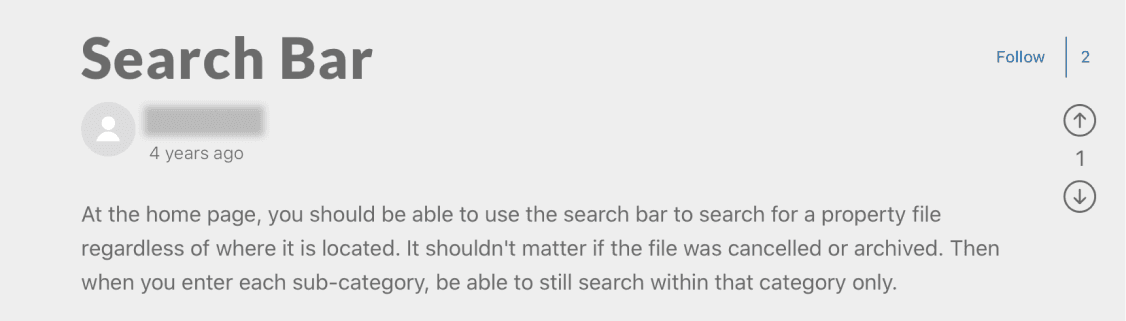
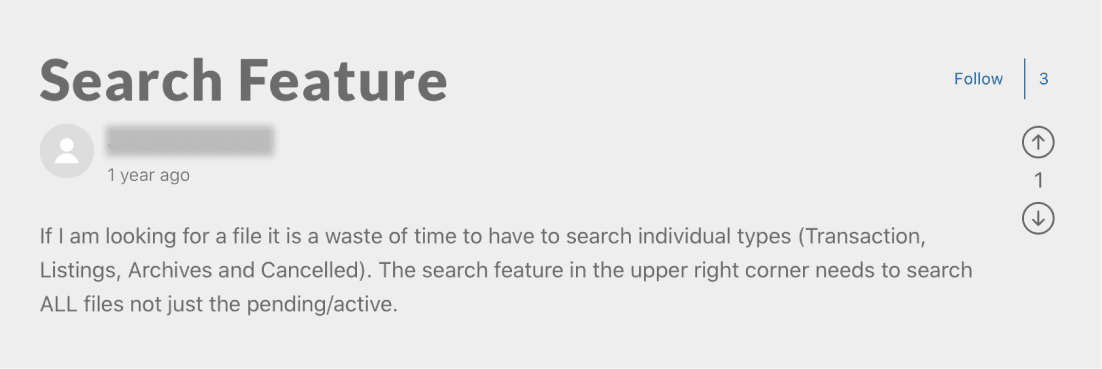
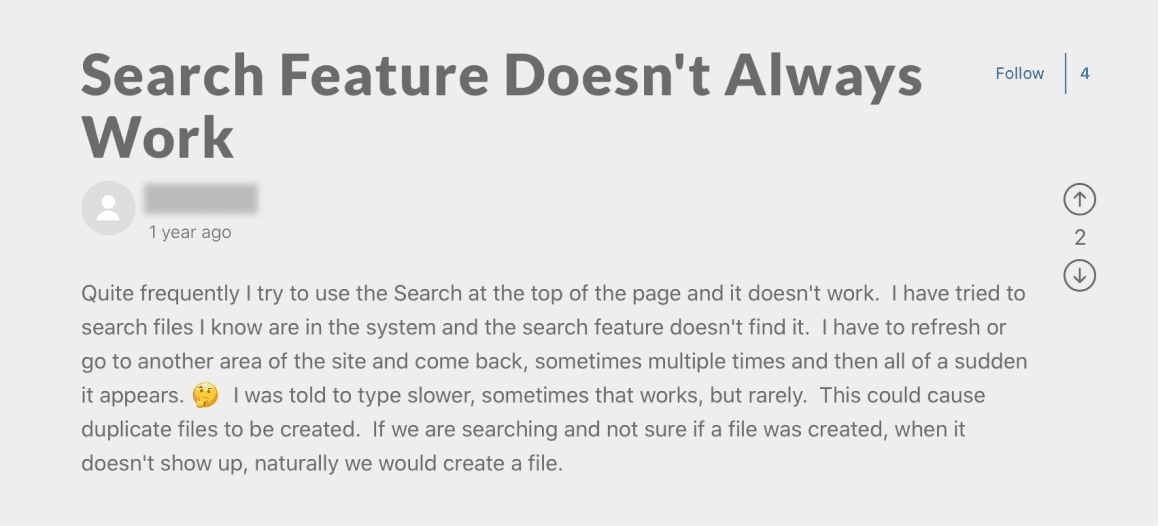
I started by scrubbing the support tickets and feature requests to see the sentiment around search and what behaviour our users expect. I started to see some trends of wanting to search across different file buckets and use different search keys to find files.
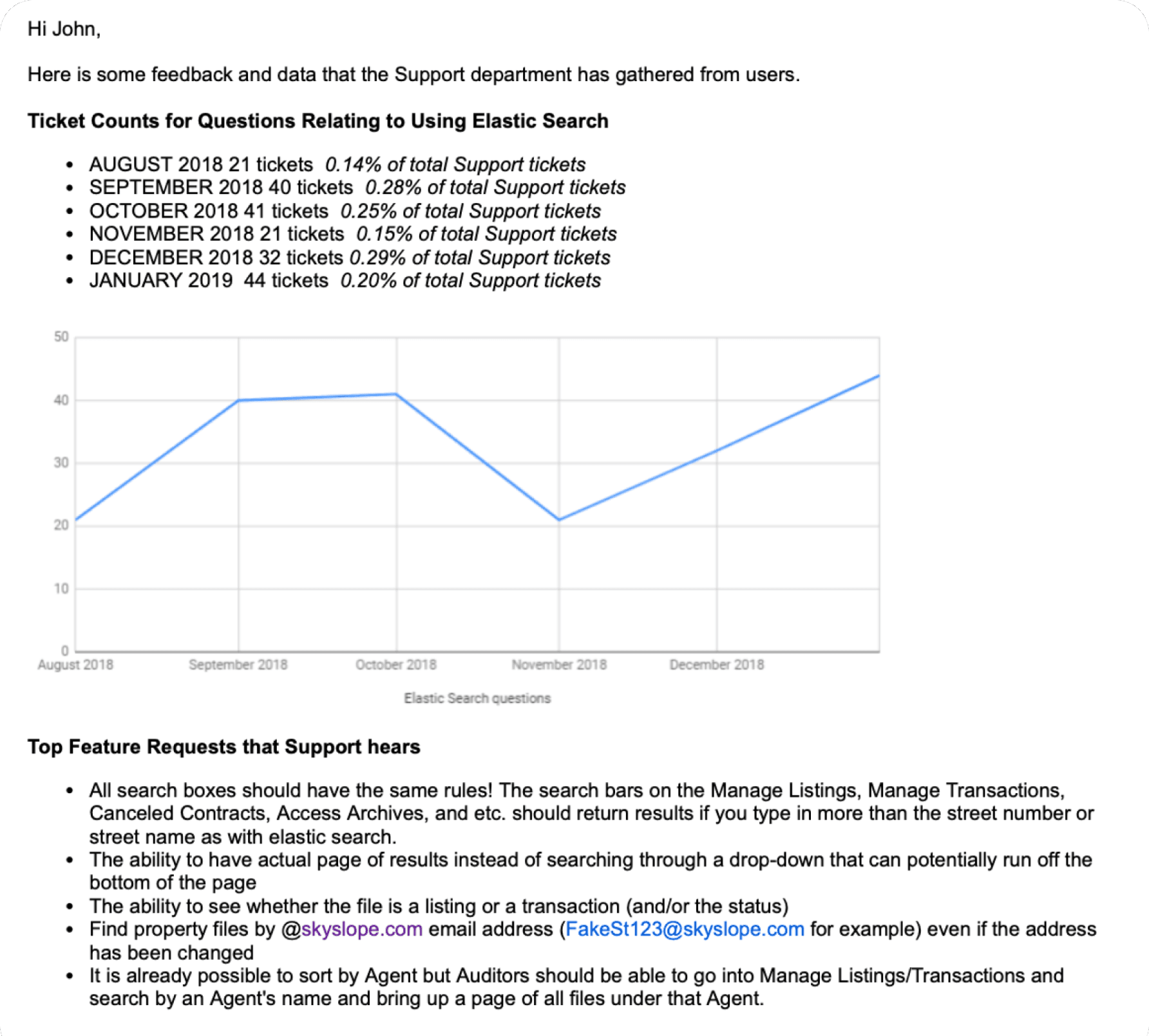
Next, I needed to see what the scale of this issue was. Are there enough people feeling this pain to justify it? I partnered with the support lead to pull a report of how often in the past 6 months they have search-related issues to resolve.
On average, there were about 33 support tickets each month complaining about searching for files, but the context of each ticket started to show that the problem was less about search not pulling up files, but more about how could the user identify the right file and jump to the right location in the file.
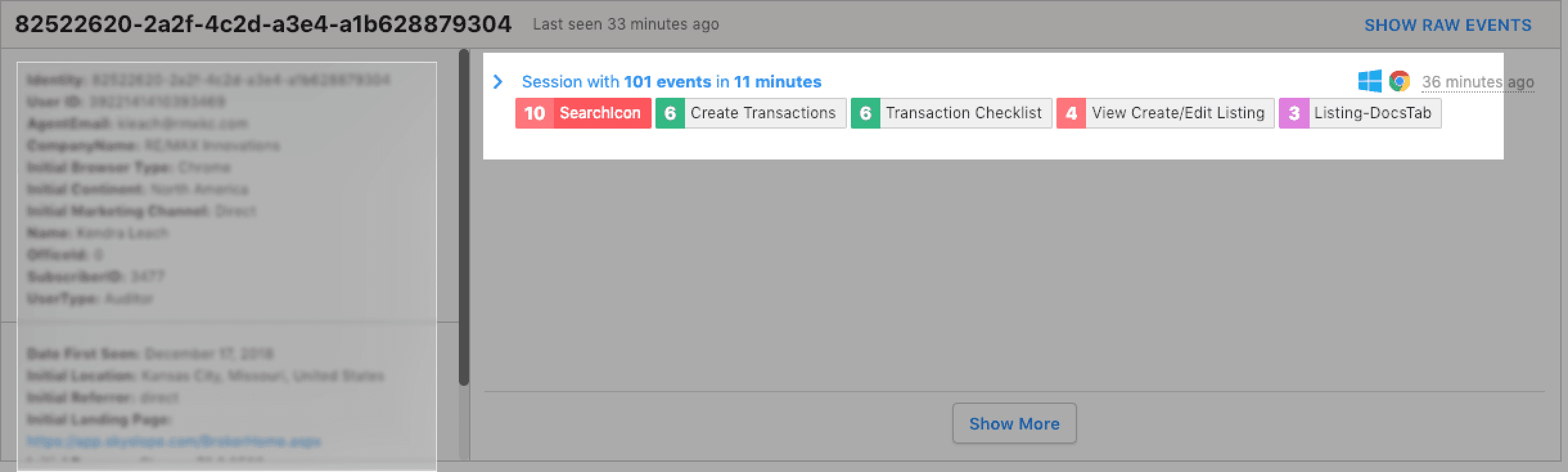
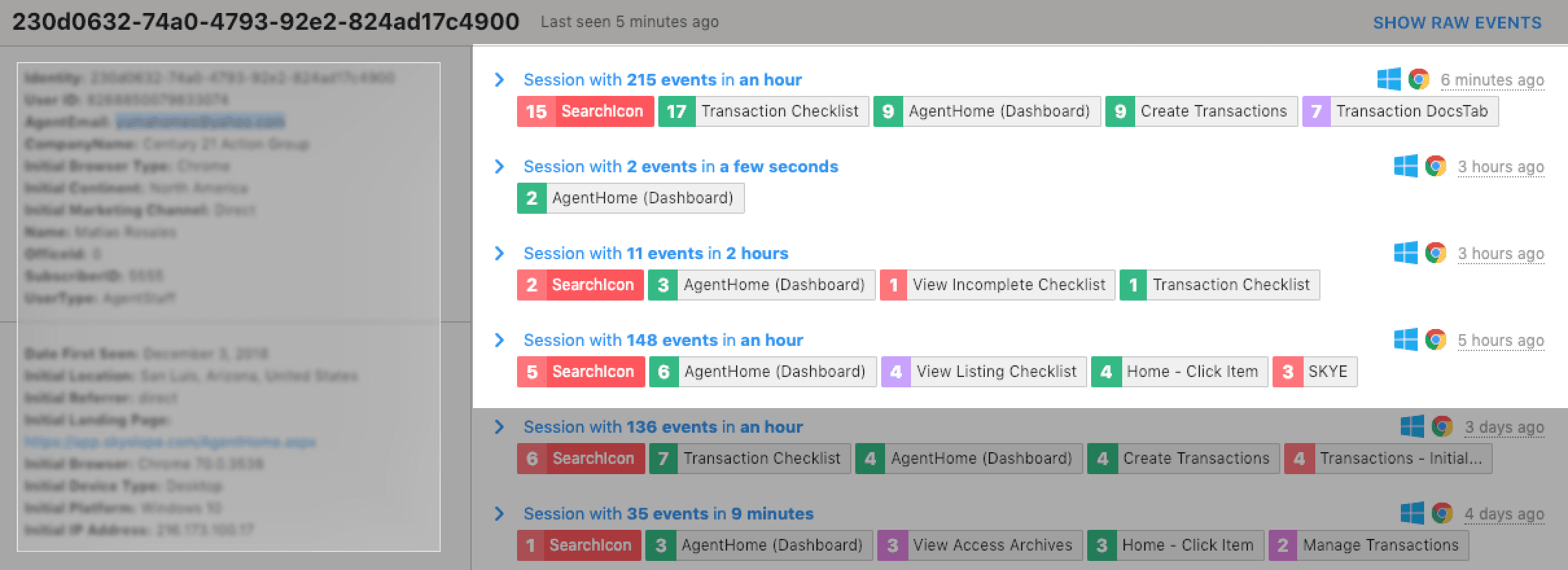
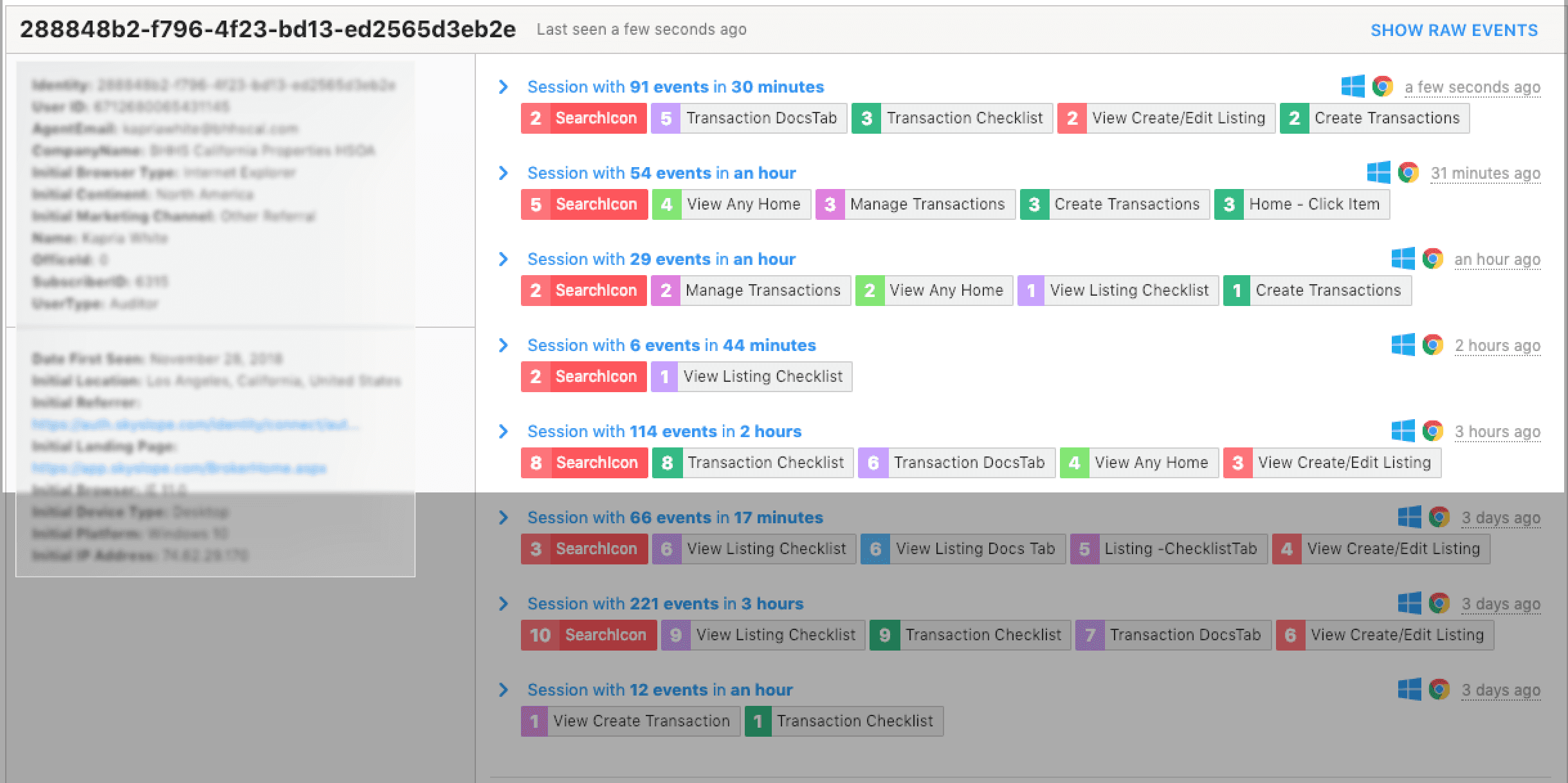
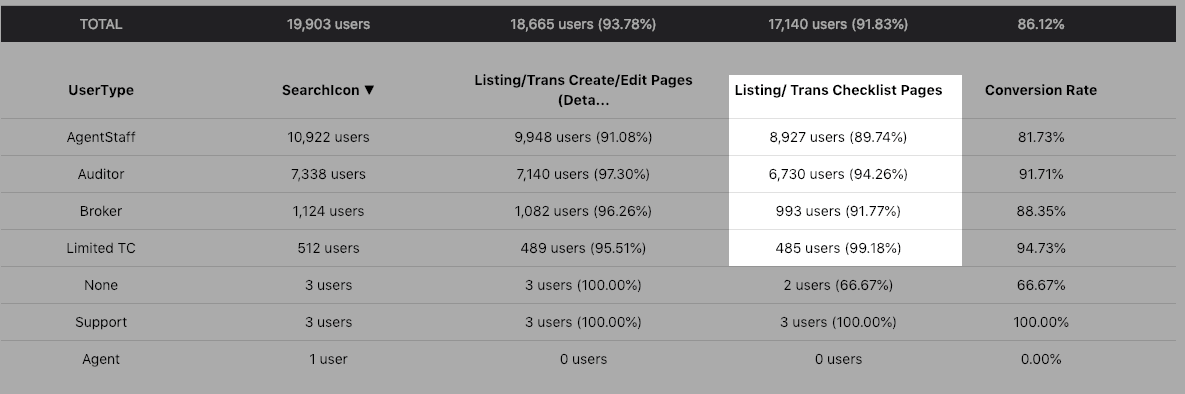
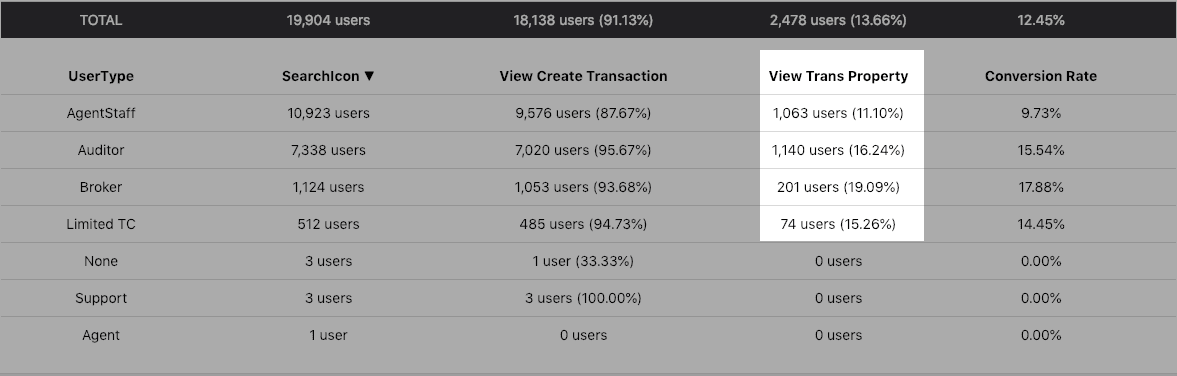
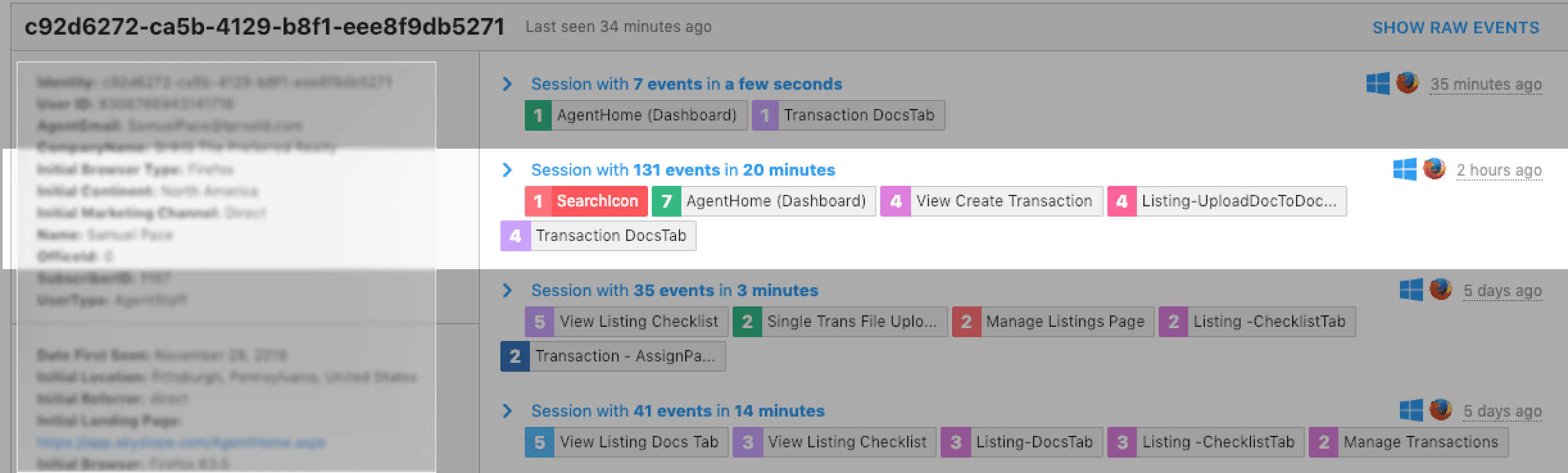
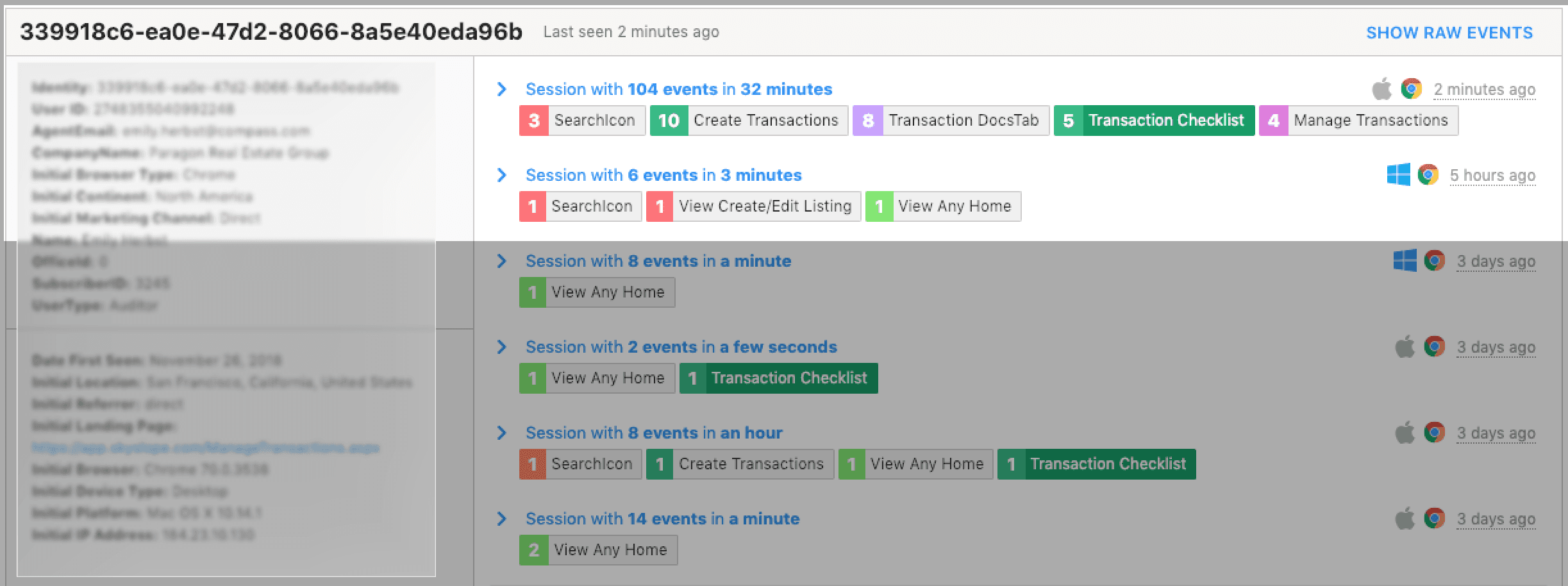
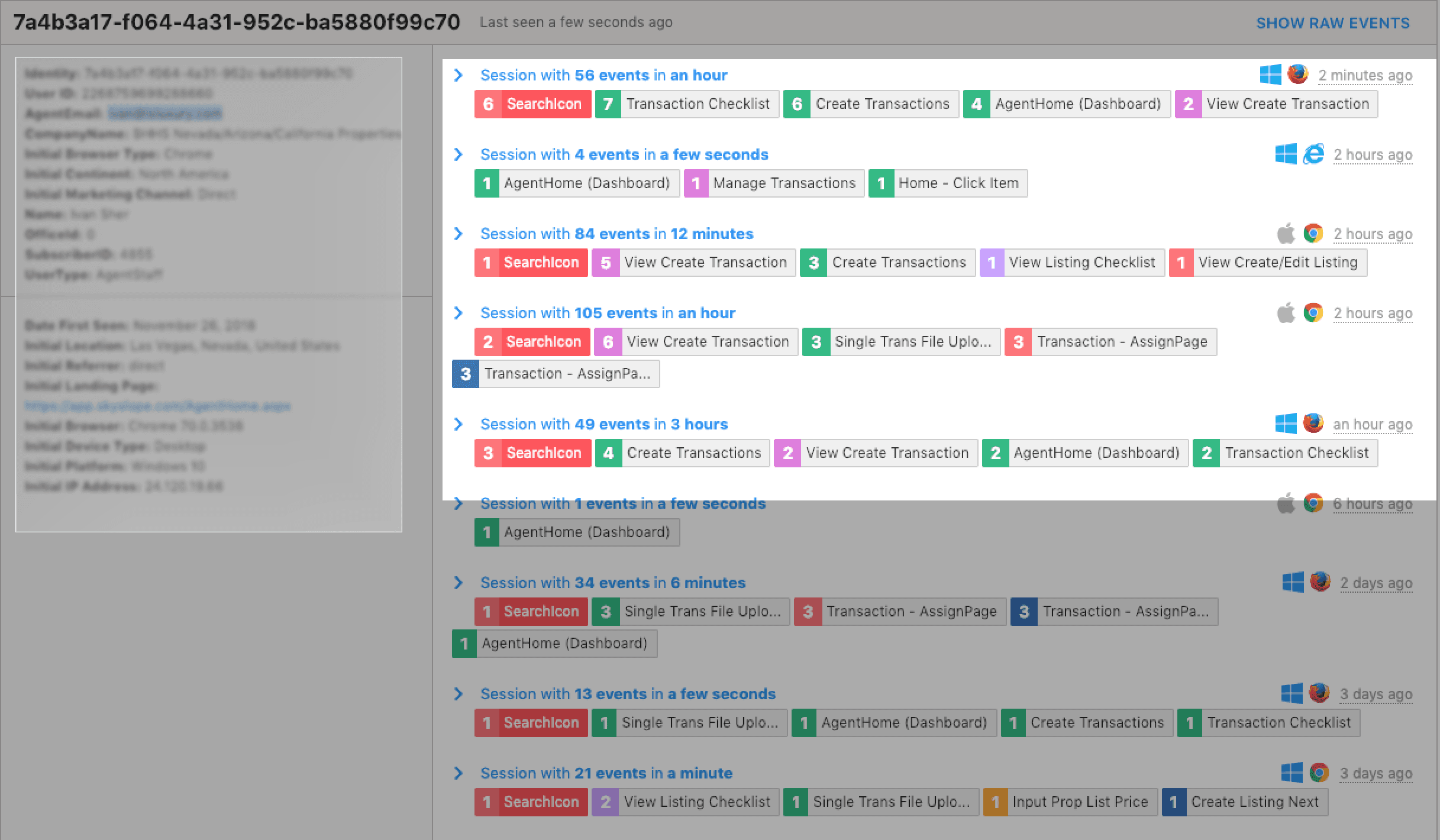
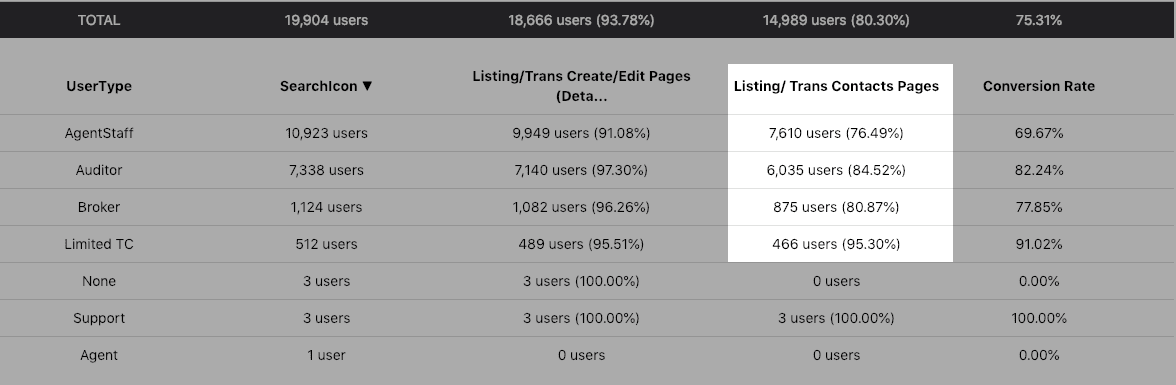
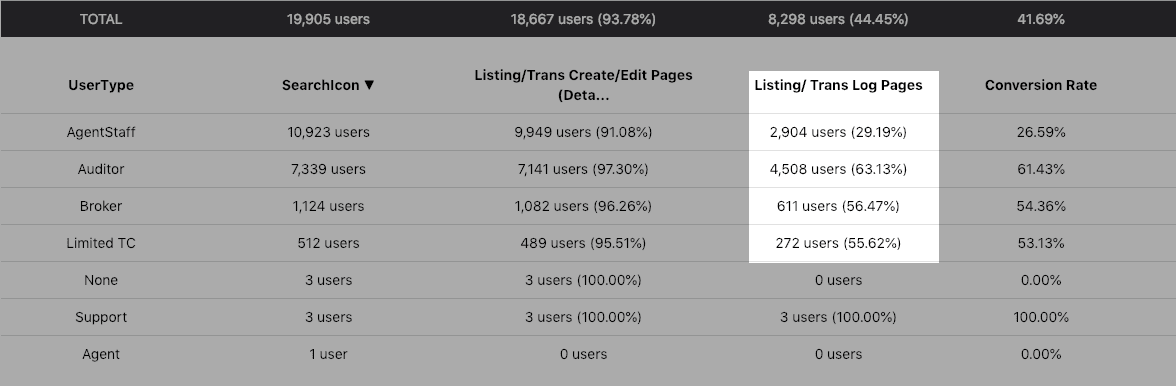
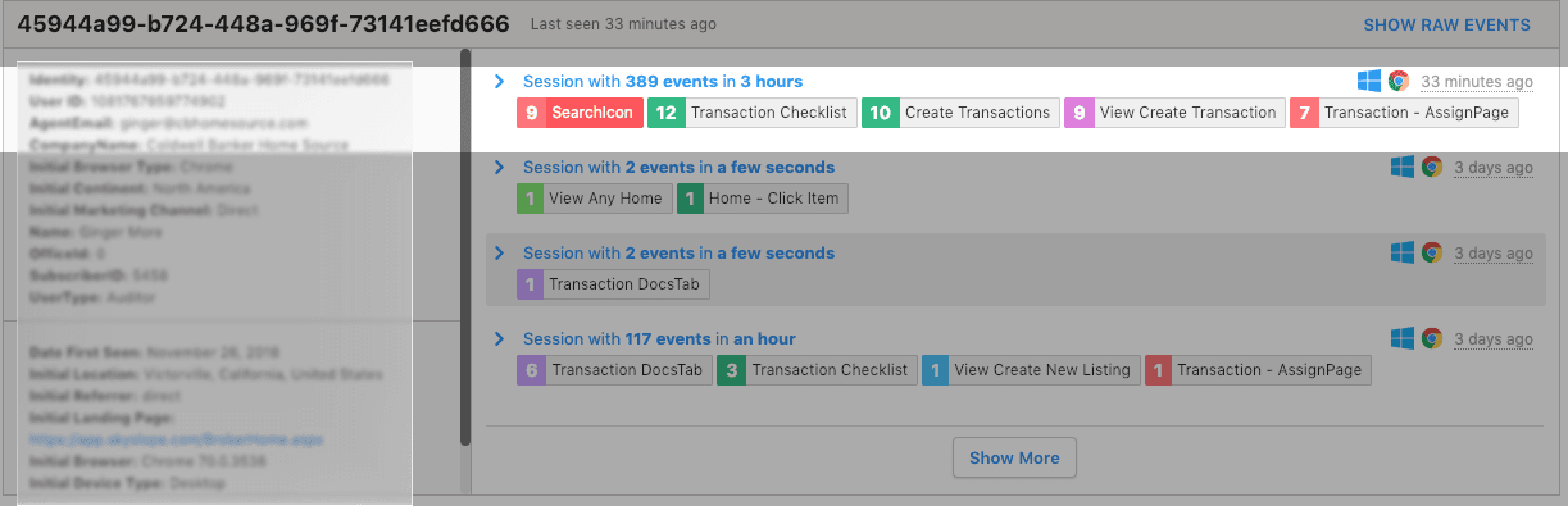
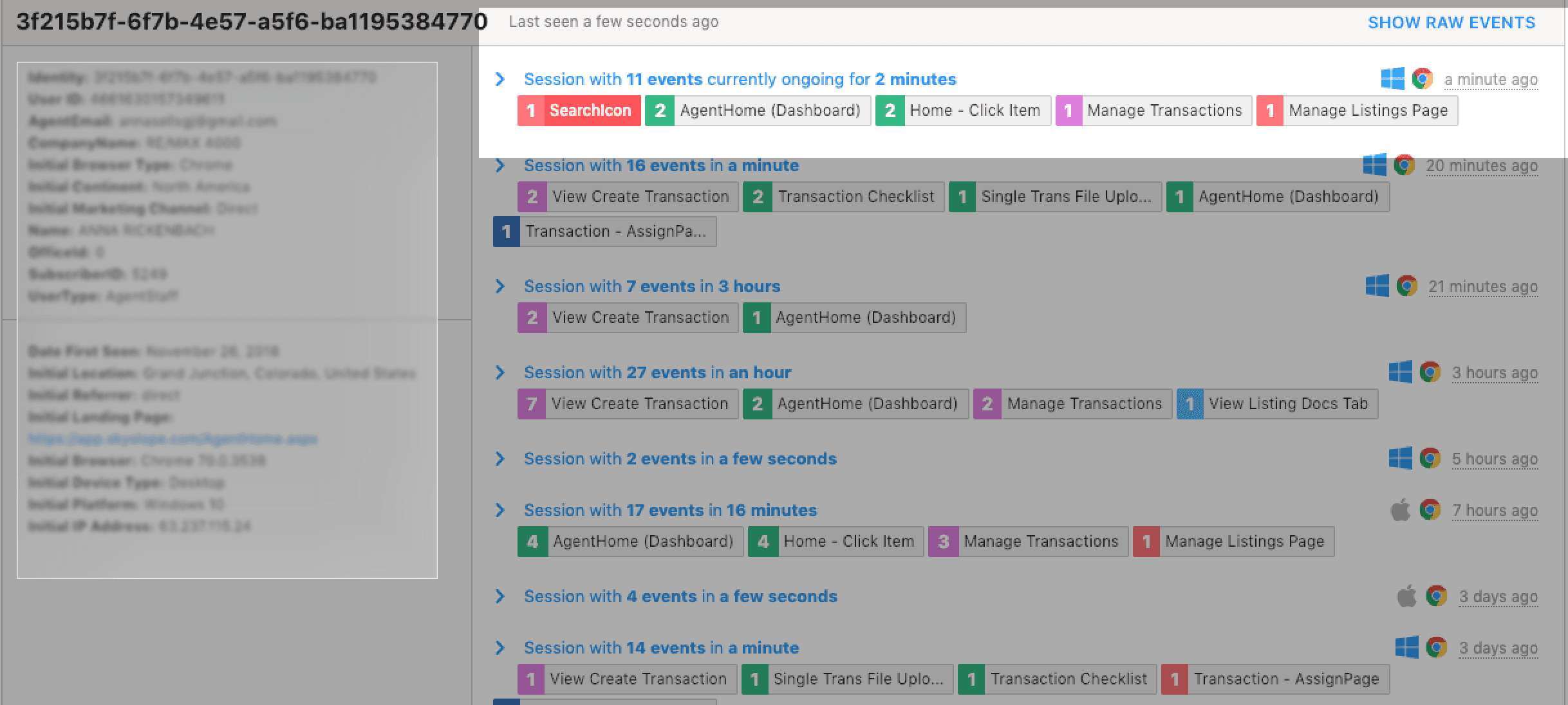
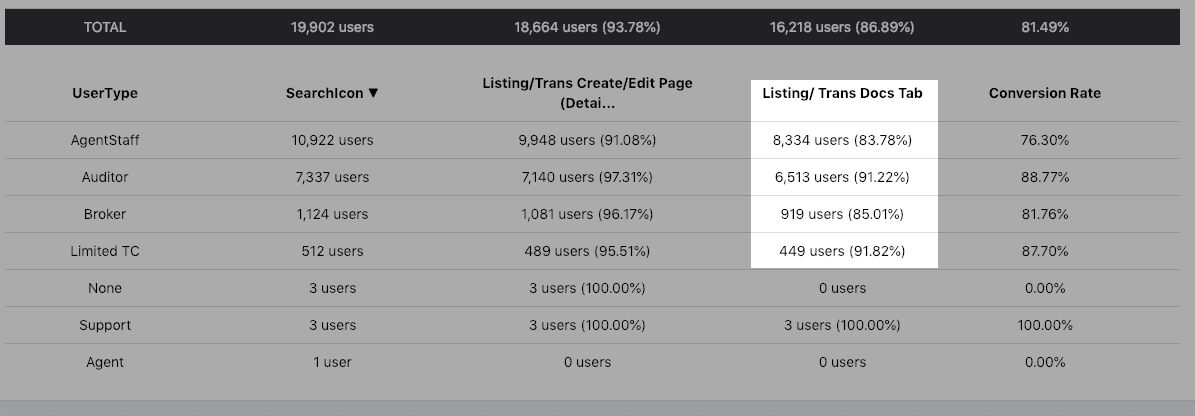
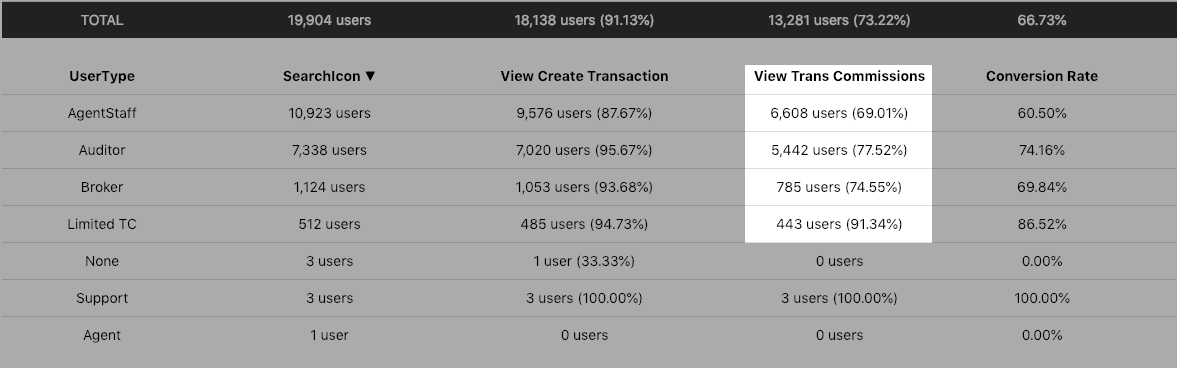
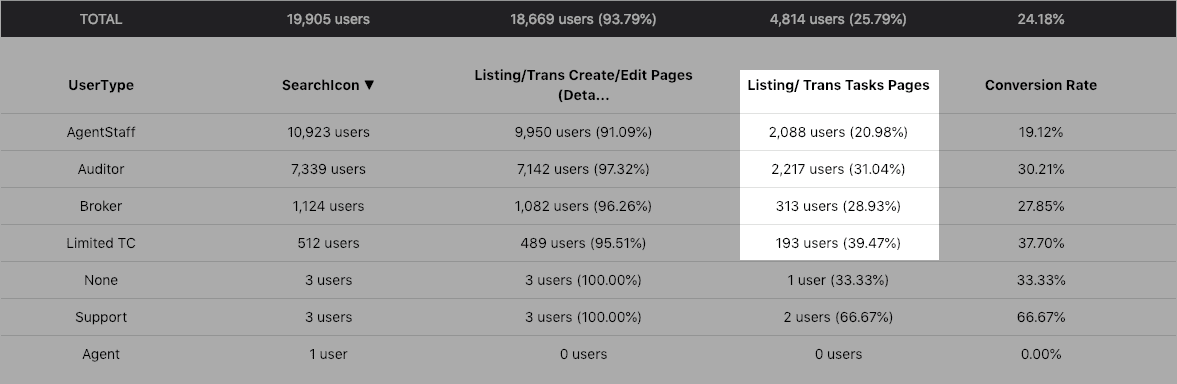
I dug into our user event tracking tool and saw how frequently our users were using search and how many steps it took to reach their target destination (the checklist and documents tabs) within the target file.
So while the number of people complaining was low, many of our users regularly felt this pain and just lived with it.
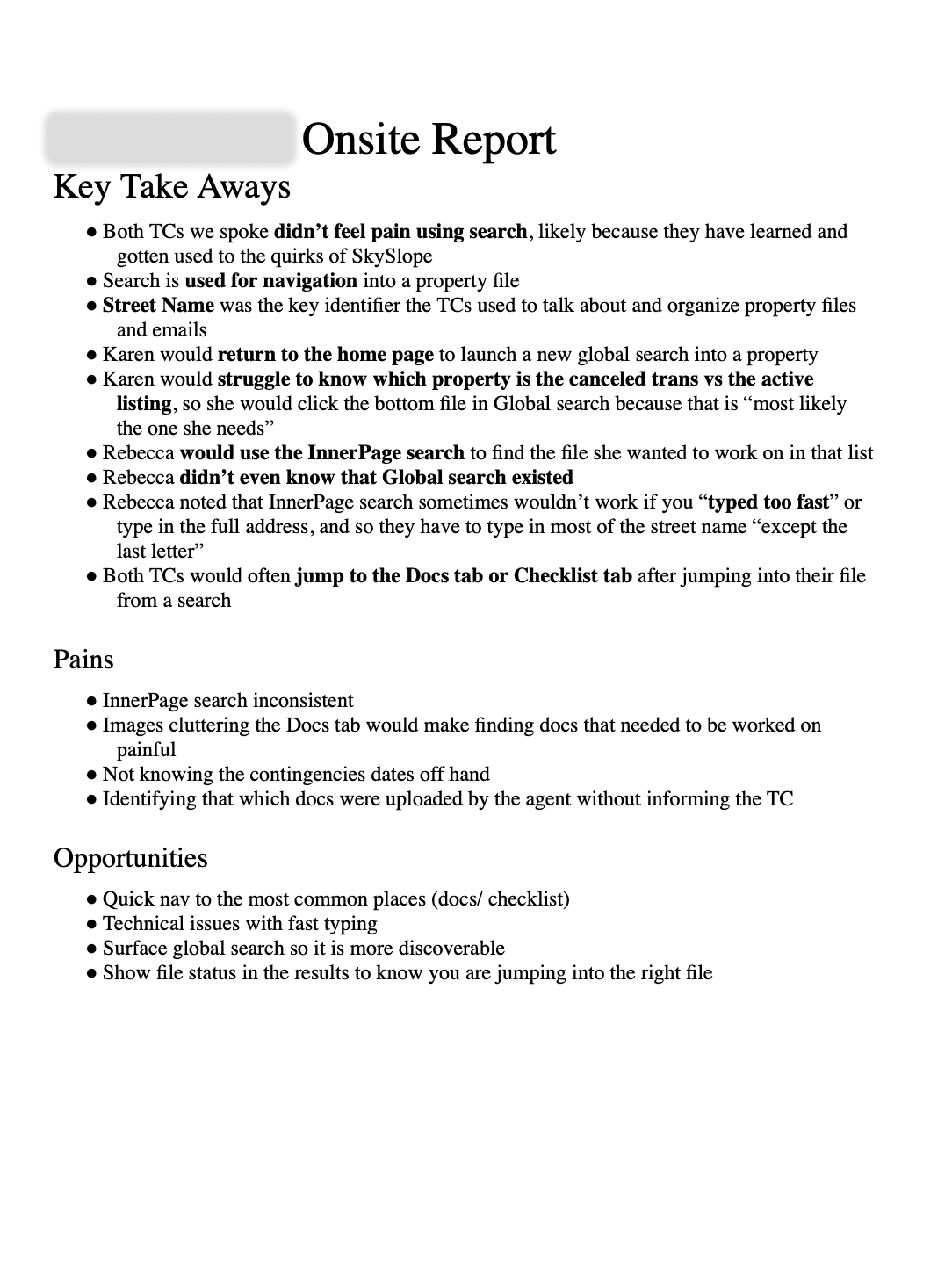
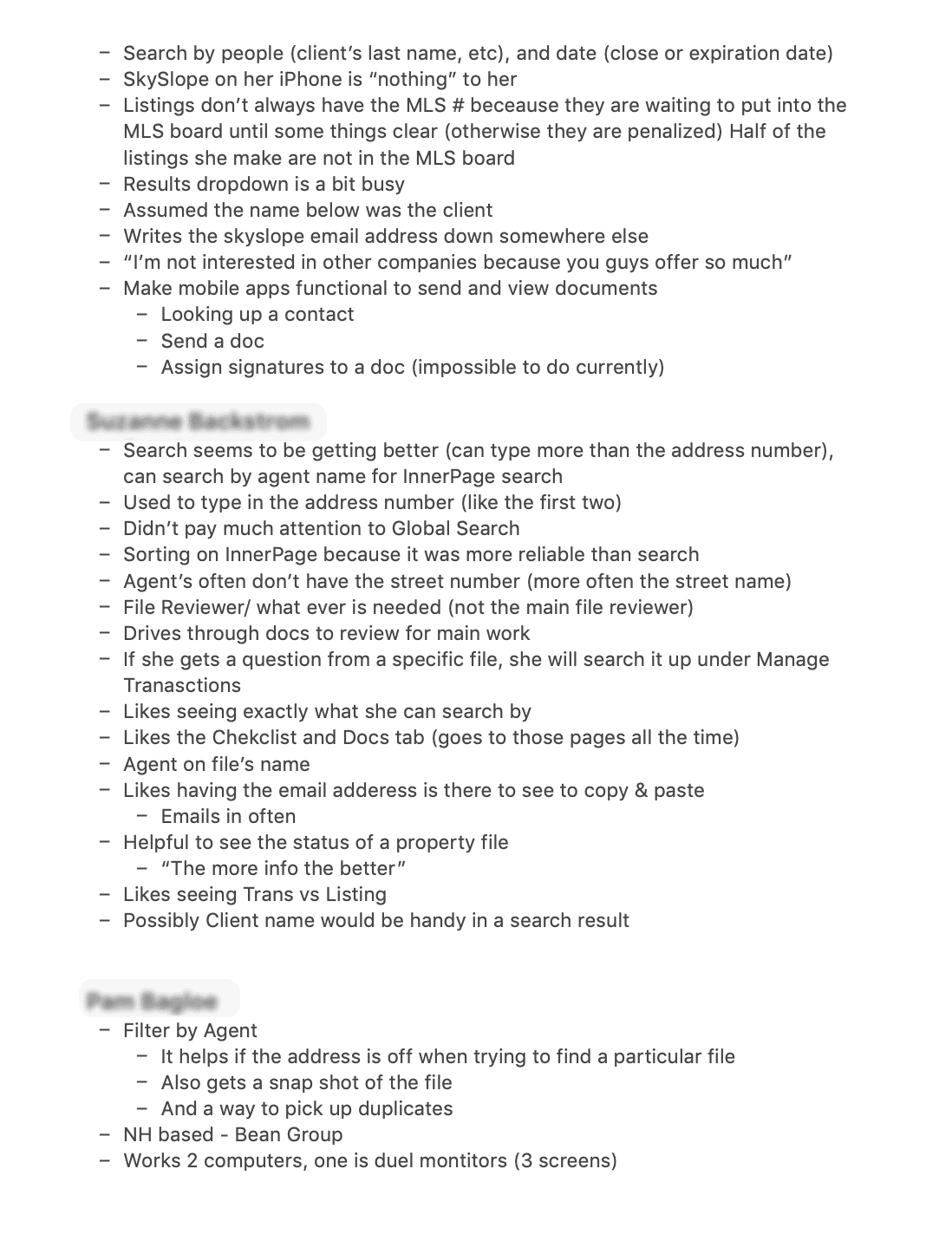
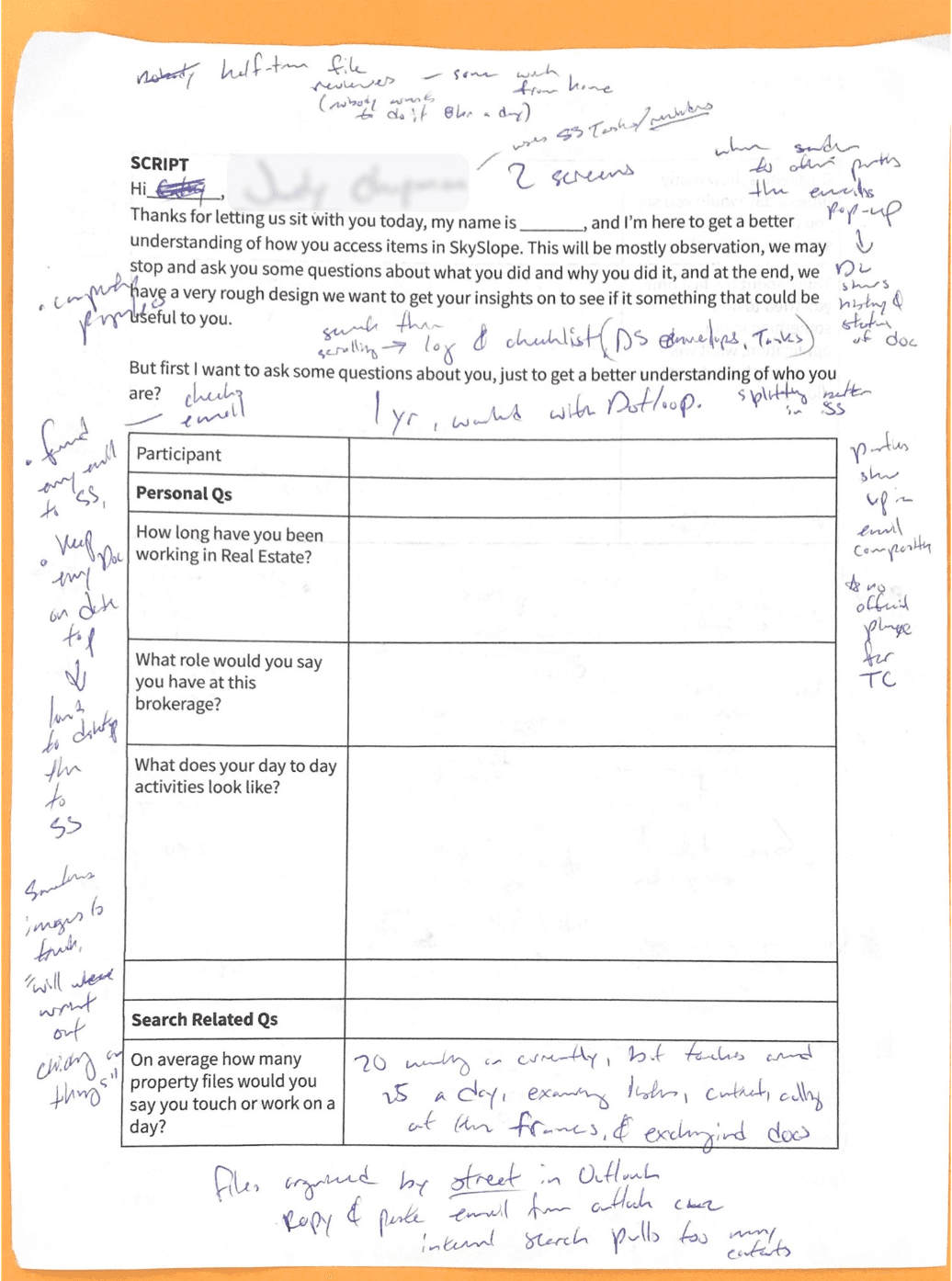
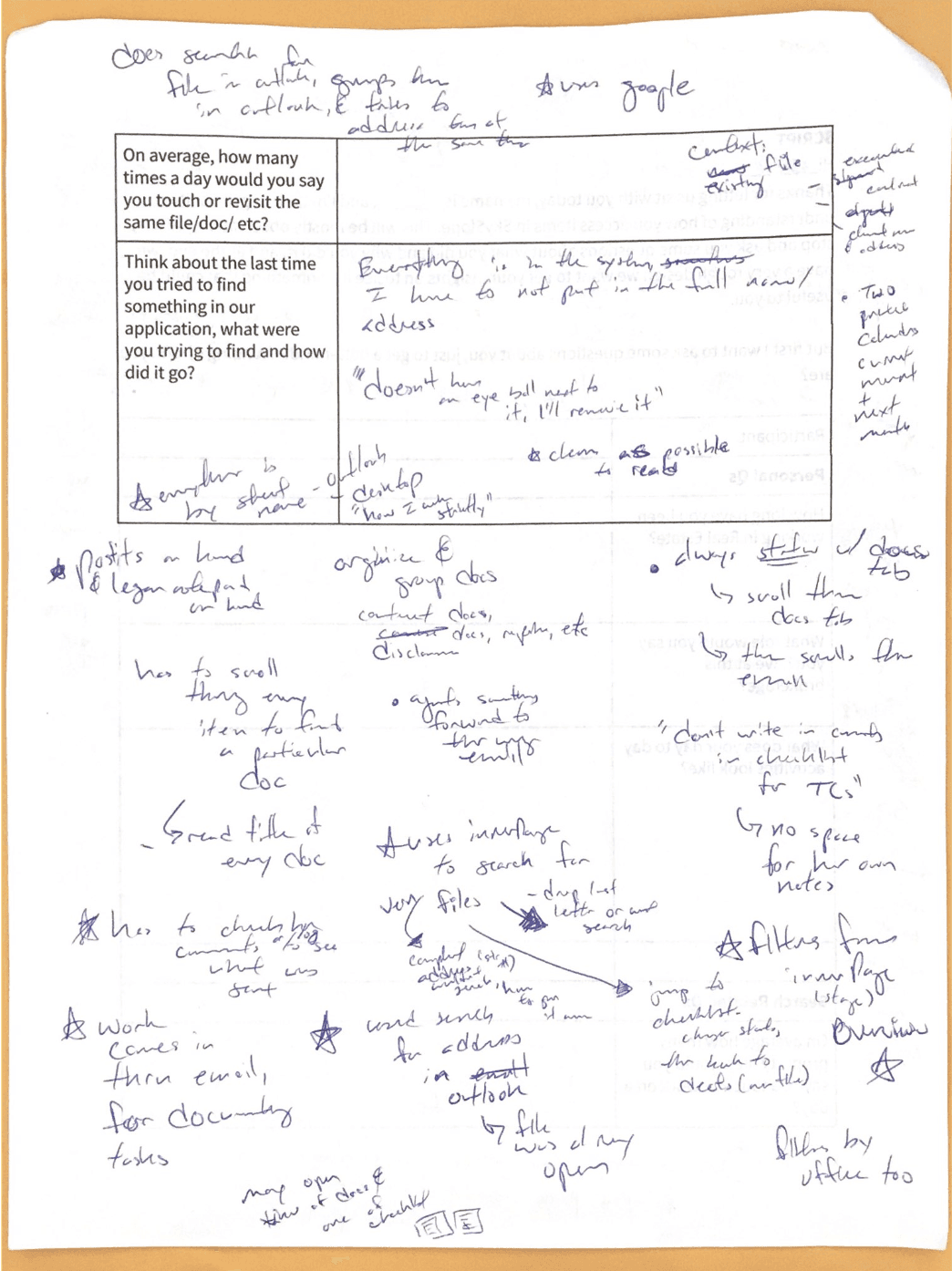
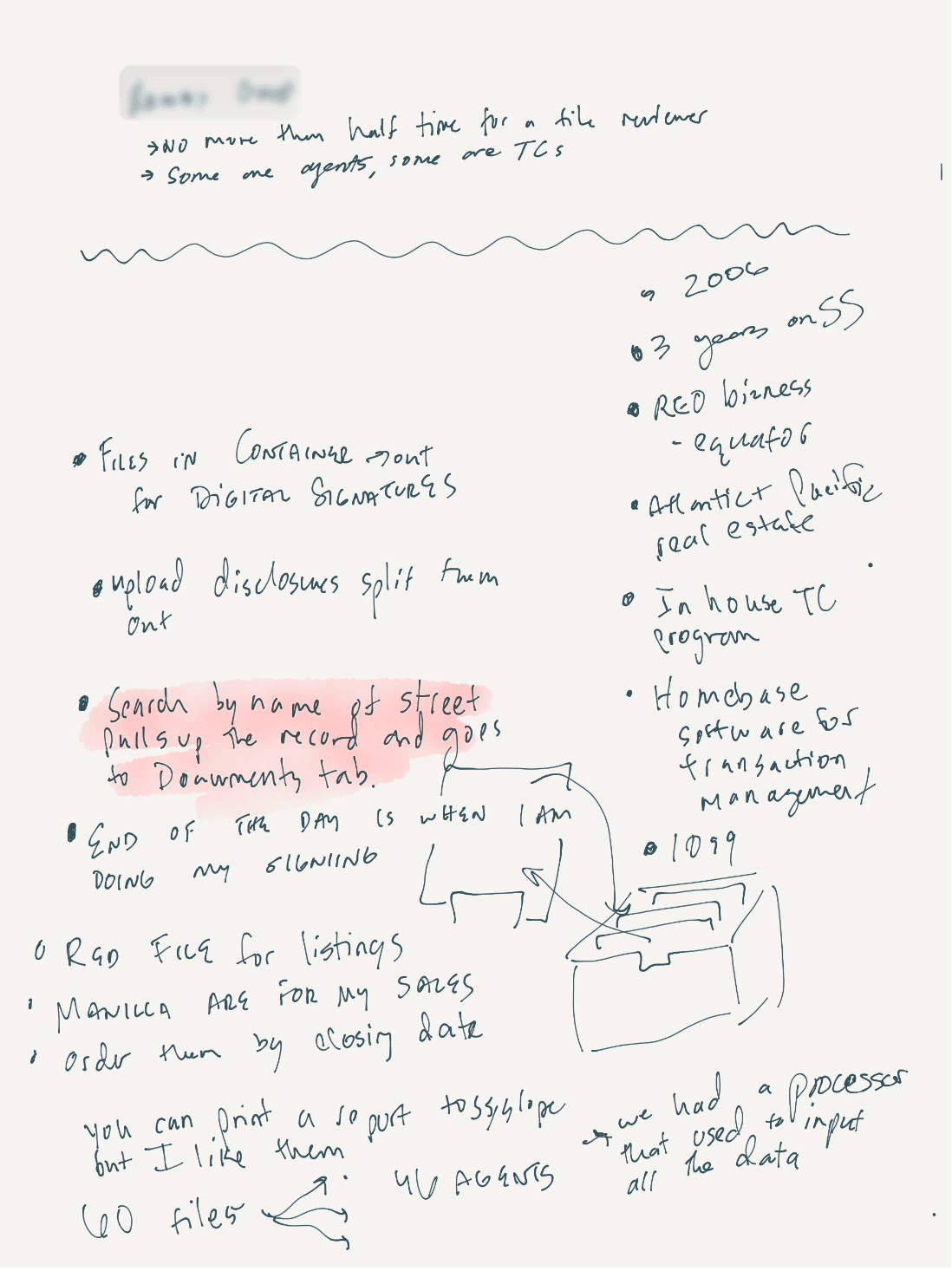
Next, I watched and interviewed users use SkySlope to learn how they used search and hear exactly what works and doesn’t.
Again, users struggled to identify the right file and quickly get to the right location in their file. This led me to four specific things I wanted to address:
Property Status
Search Filters
Side of Deal
Quick Links to Checklist and Docs tab
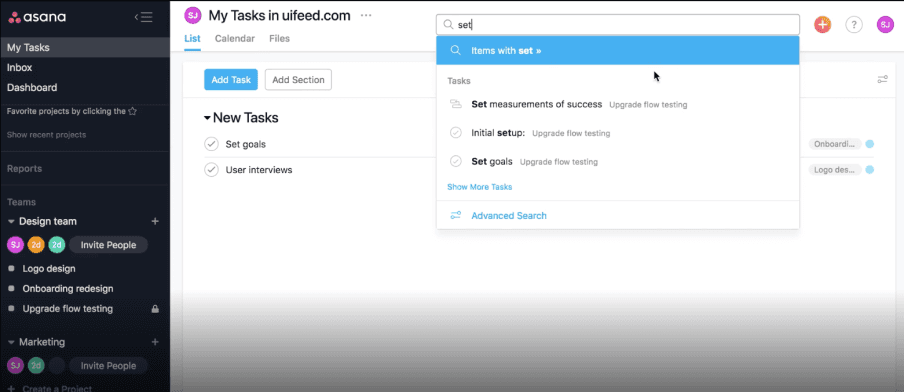
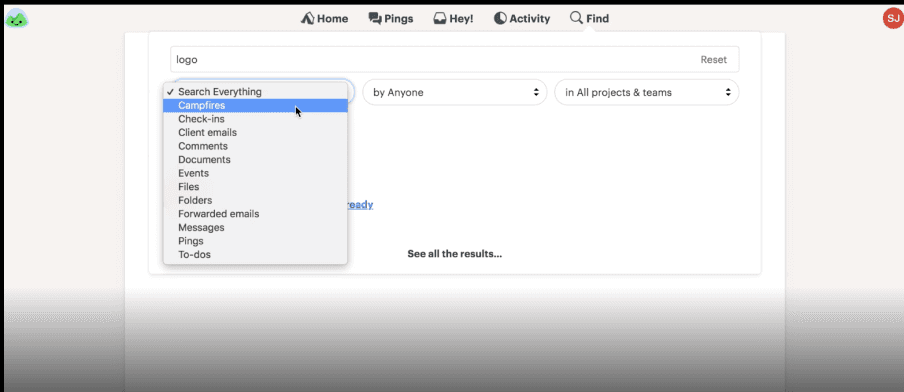
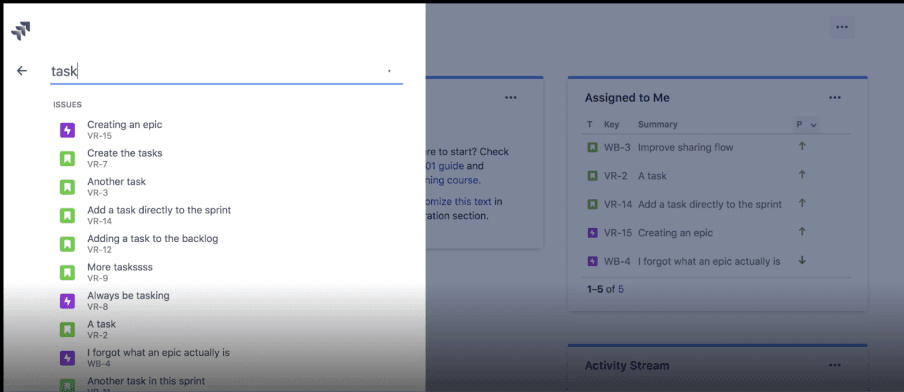
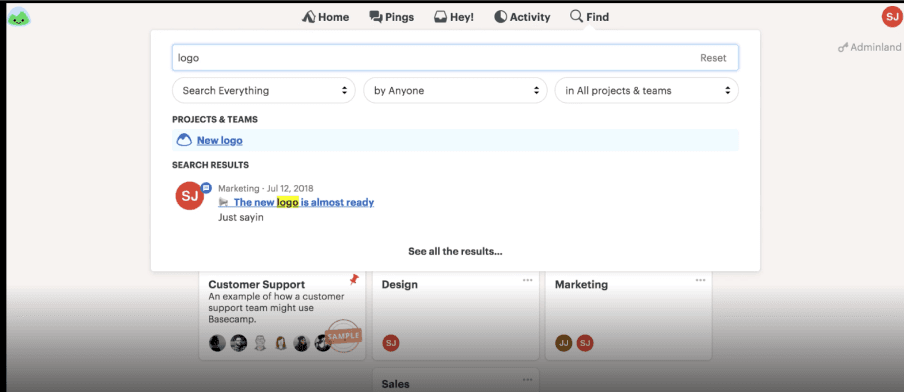
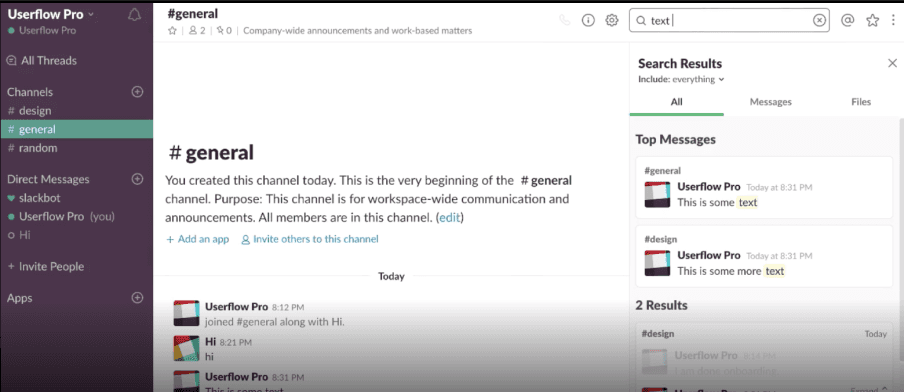
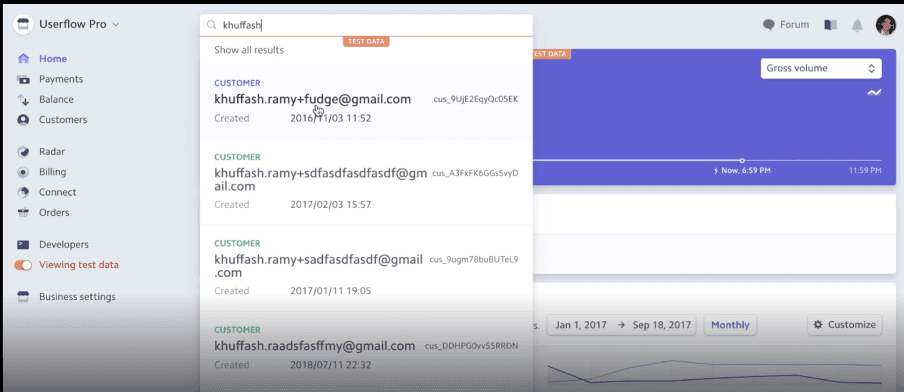
I did a competitor audit to see how other sites with similar file structures designed their search feature. I wanted to see what patterns were common enough to safely take into our designs and which ones were perhaps too bold but worth exploring.
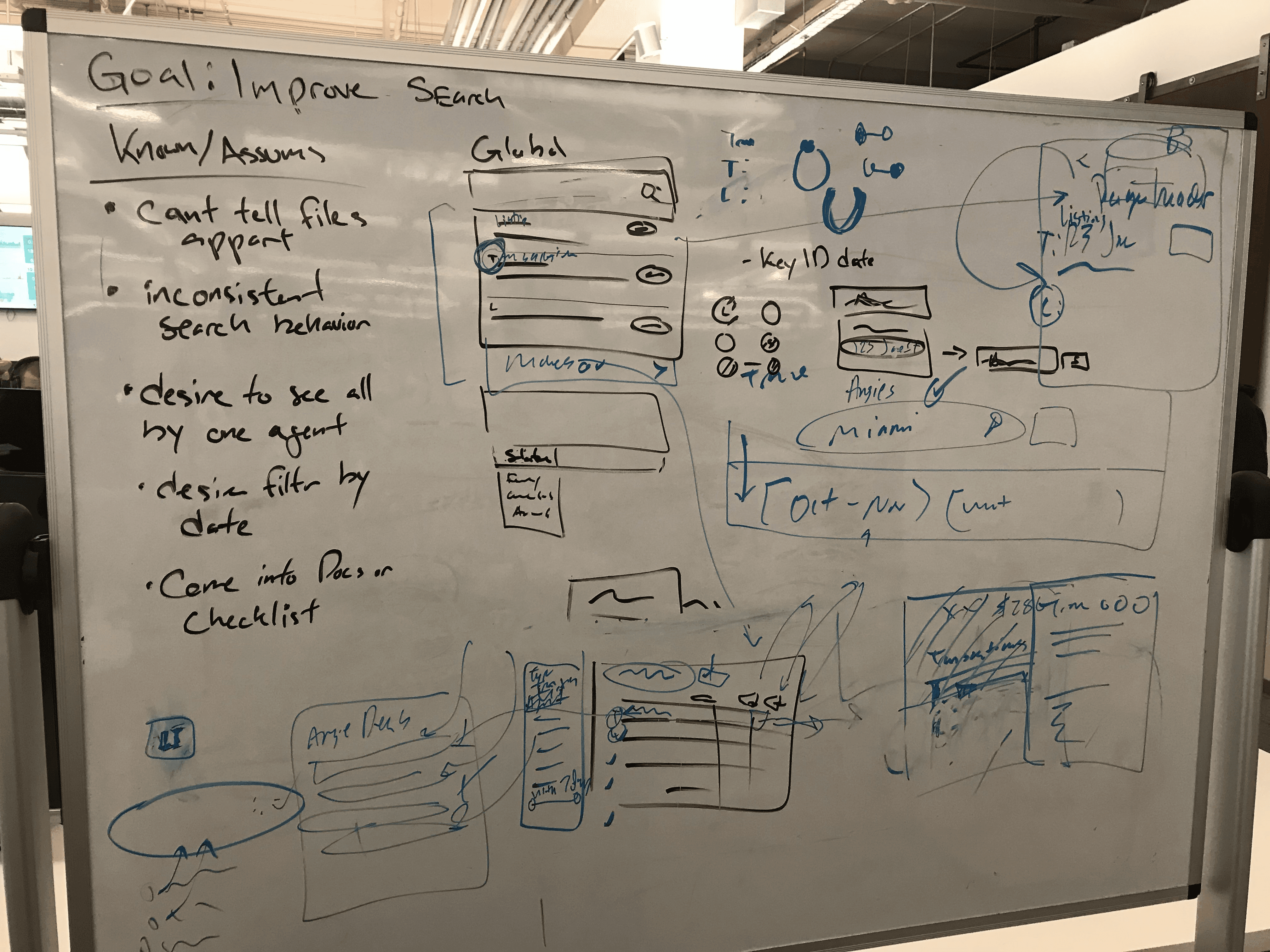
I went back to the whiteboard and my supporting designer to sketch out some design options.
Whiteboard markers allow me to generate core ideas faster by focusing on the general shape of the idea, and working with a partner this way feels like a “yes-and” session as we generate as many ideas as possible.
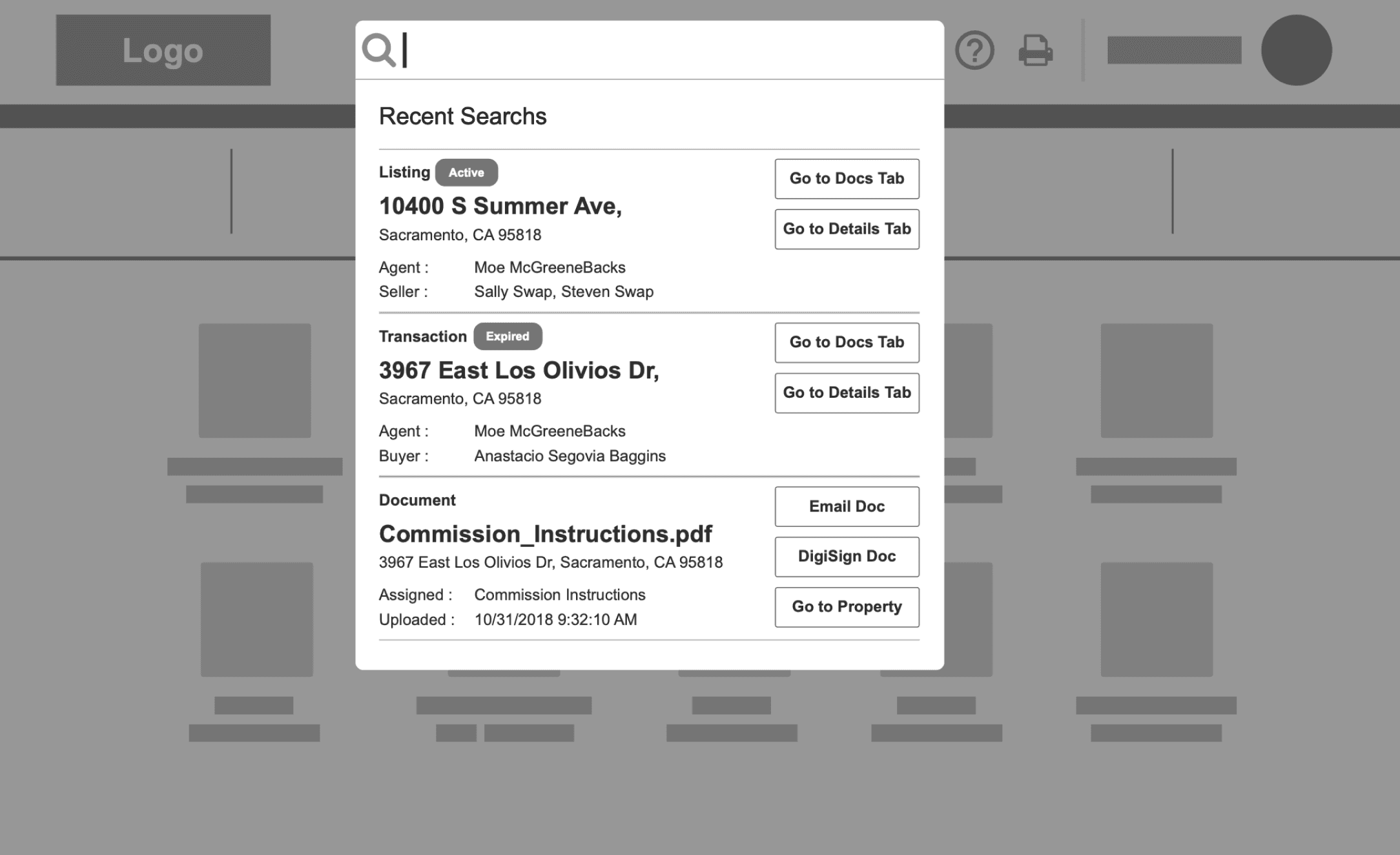
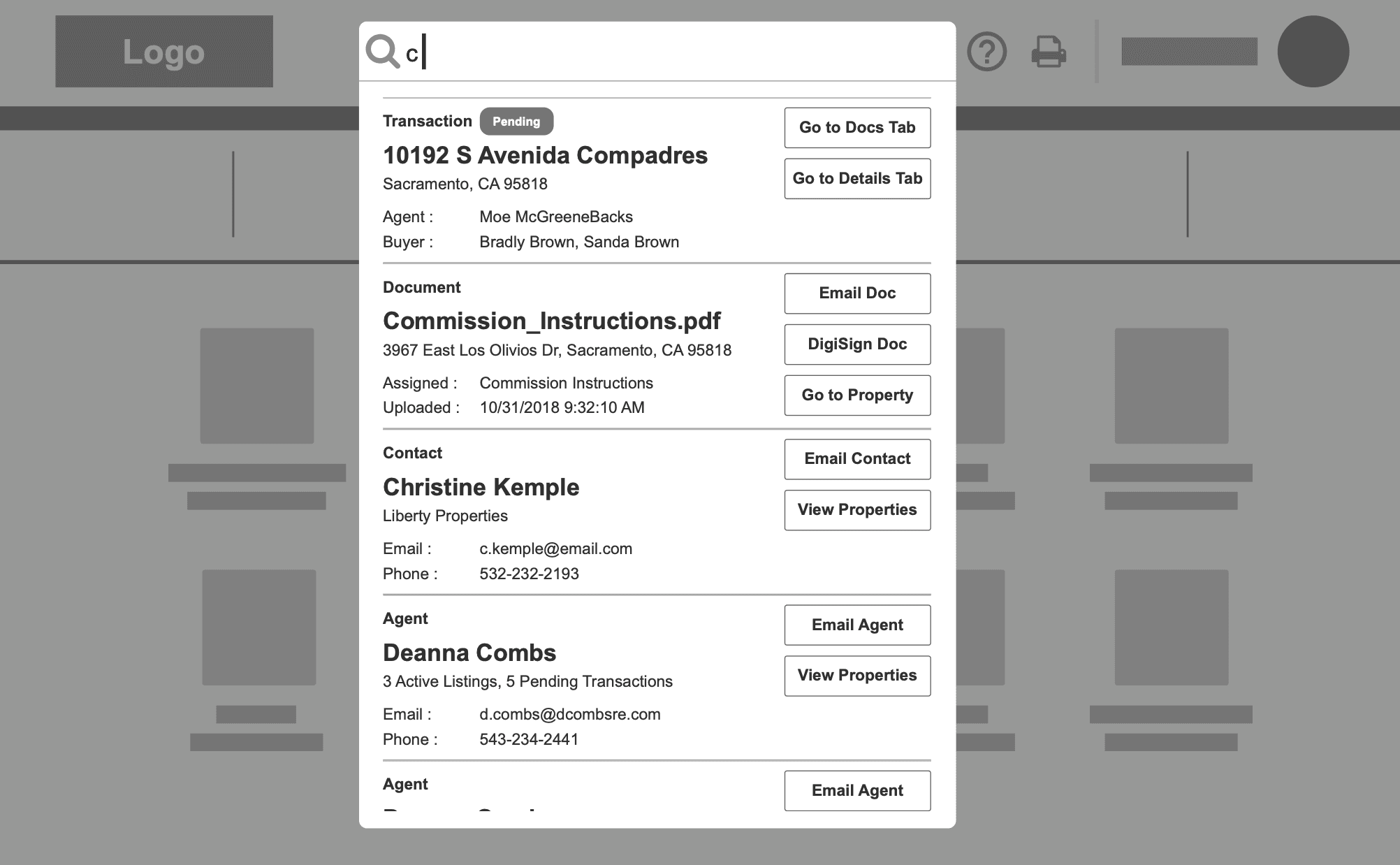
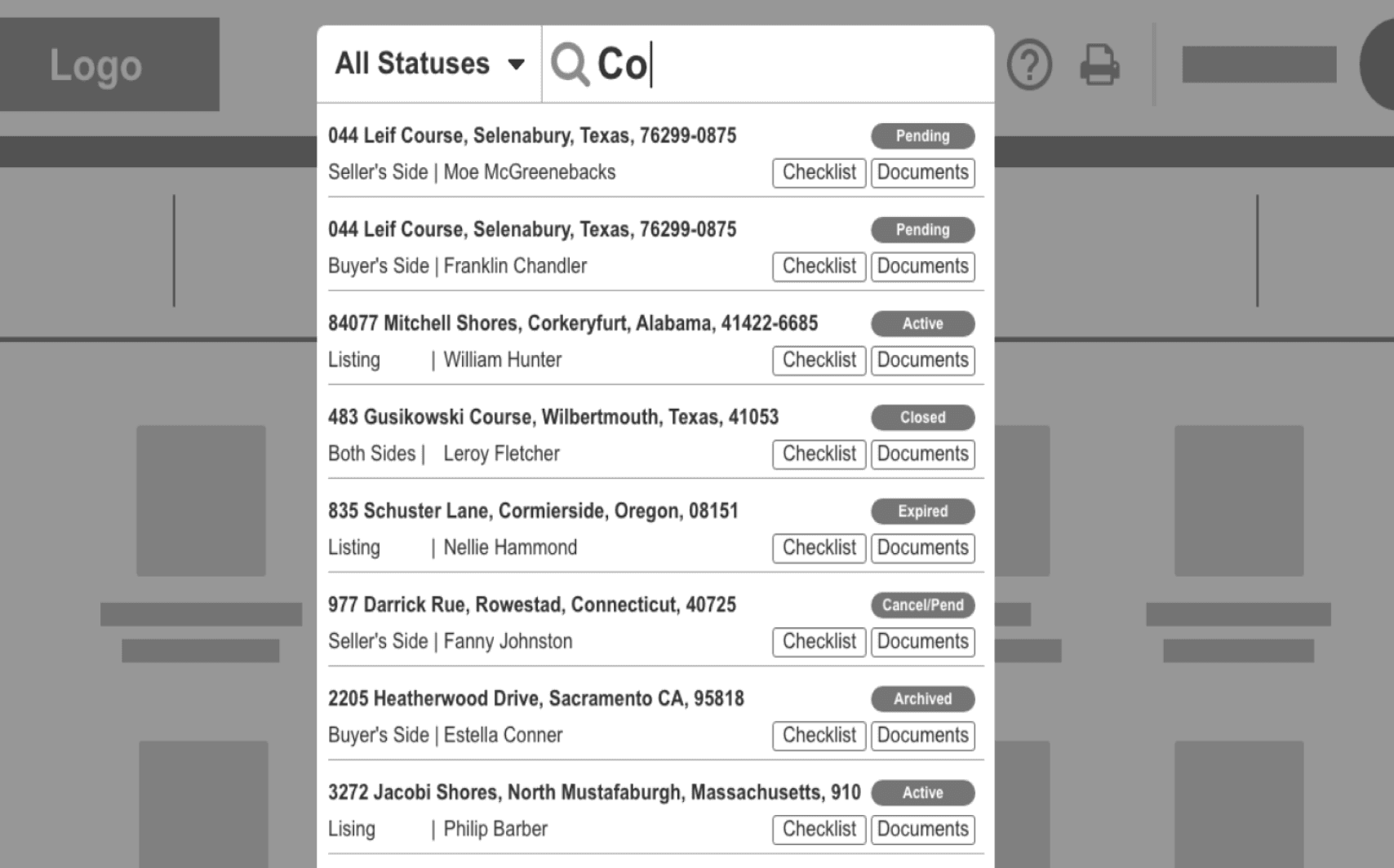
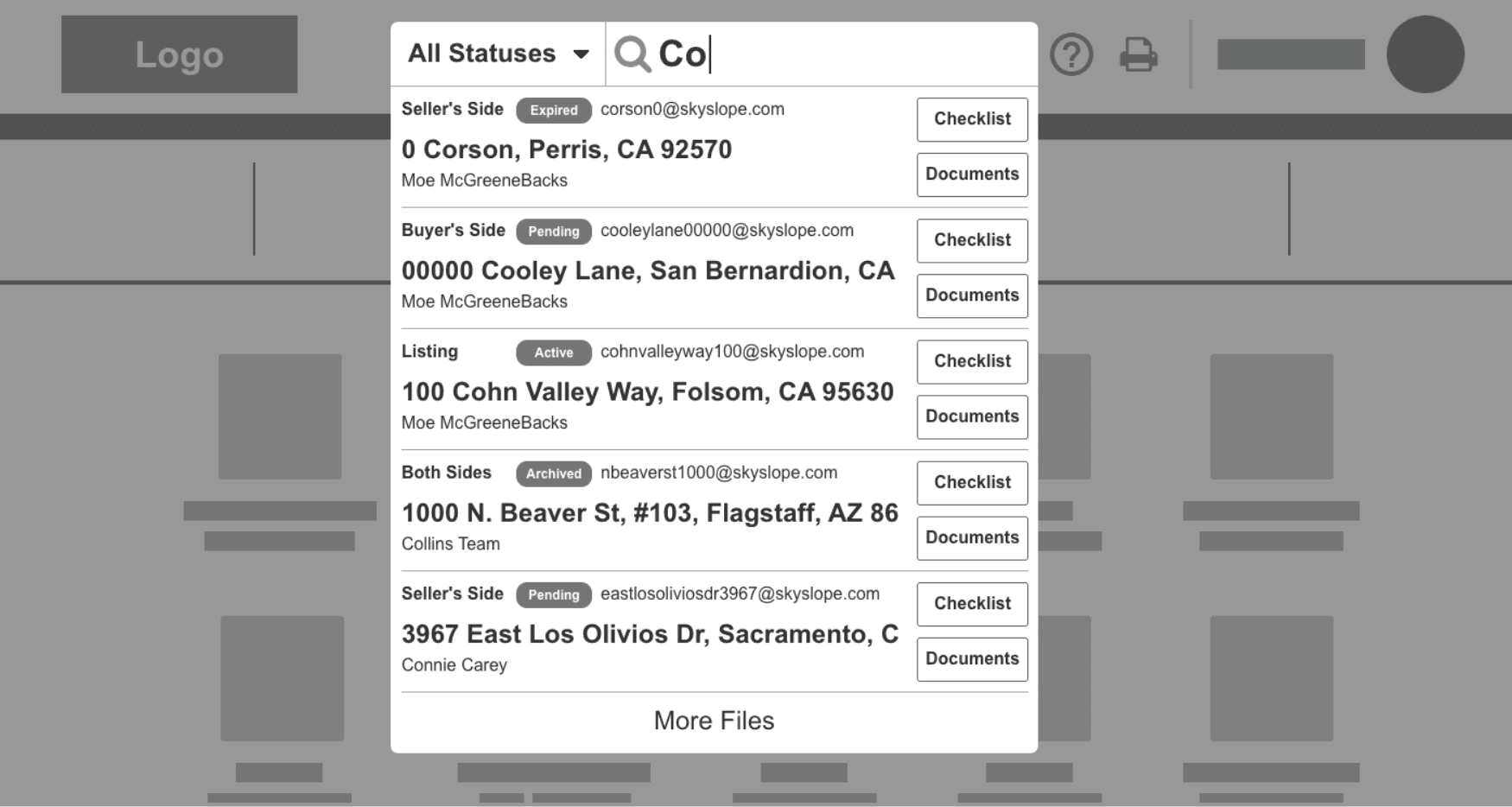
Next, I made some lo-fi mock-ups that aimed to address every search-related problem we came across. I wanted to present a grand slam version of search, even though I knew it would cut down in scope.
I user-tested these designs, and despite the low-fidelity mock-ups, the feedback was positive. Users could easily tell files apart and jump directly to their target location within the files. This solved their pains.

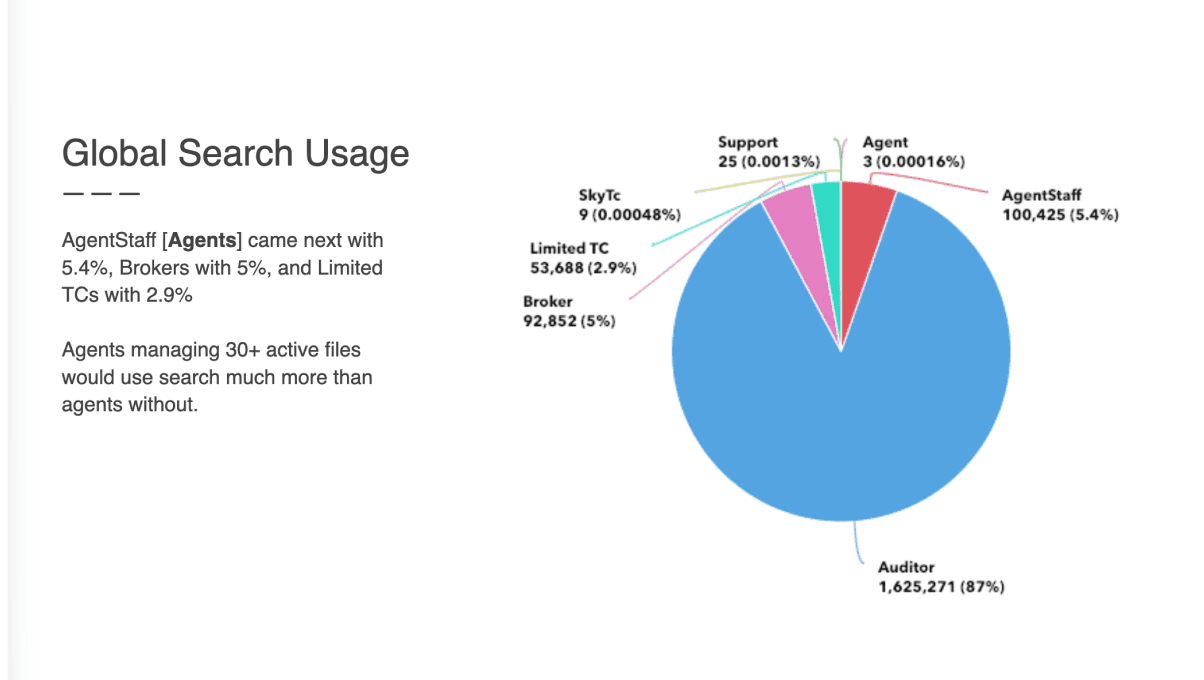
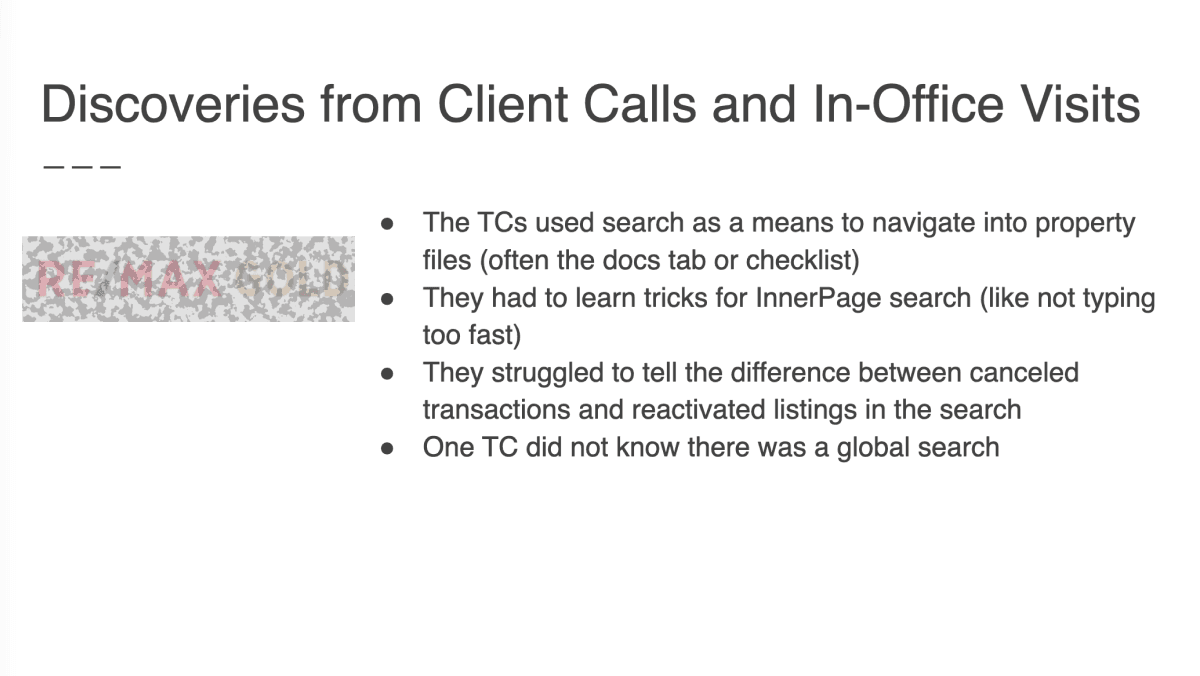
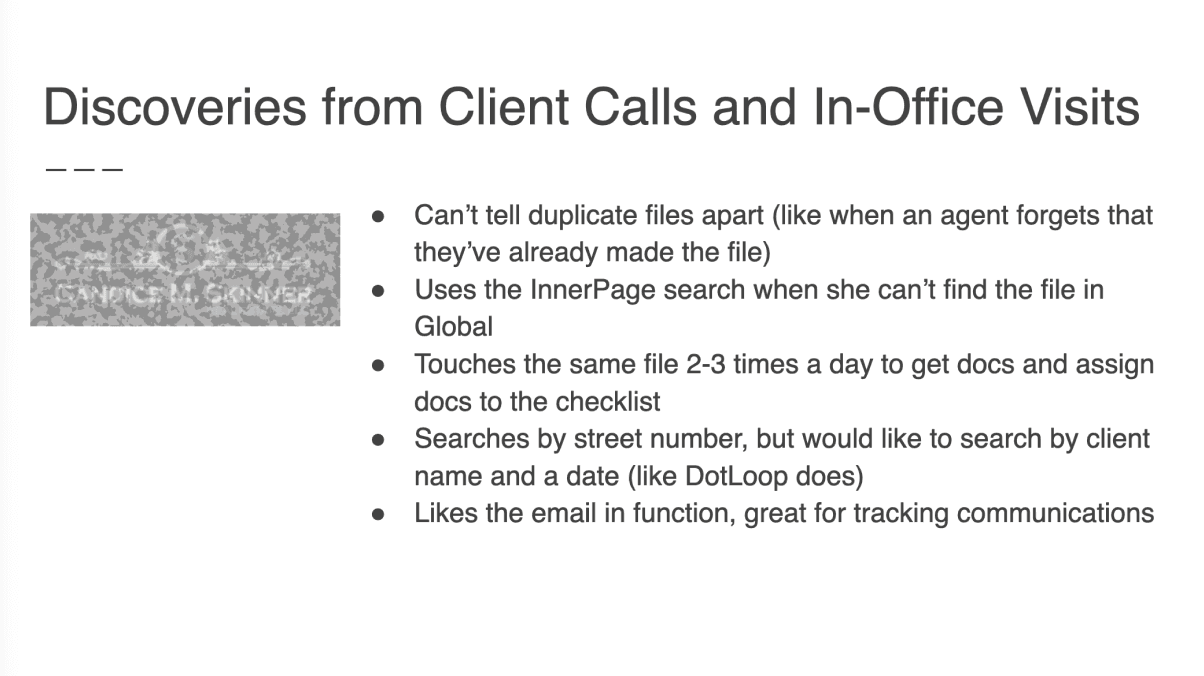
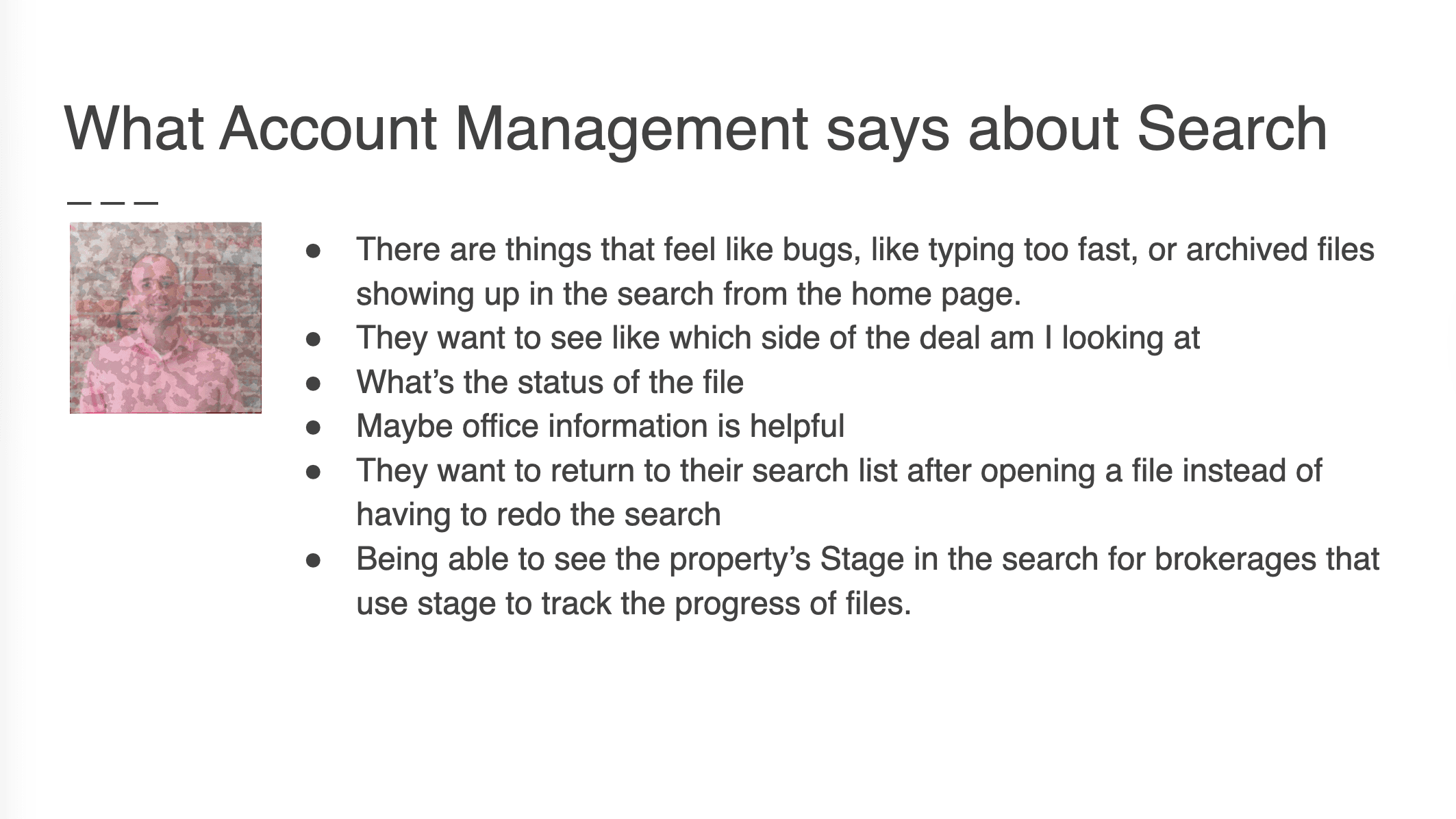
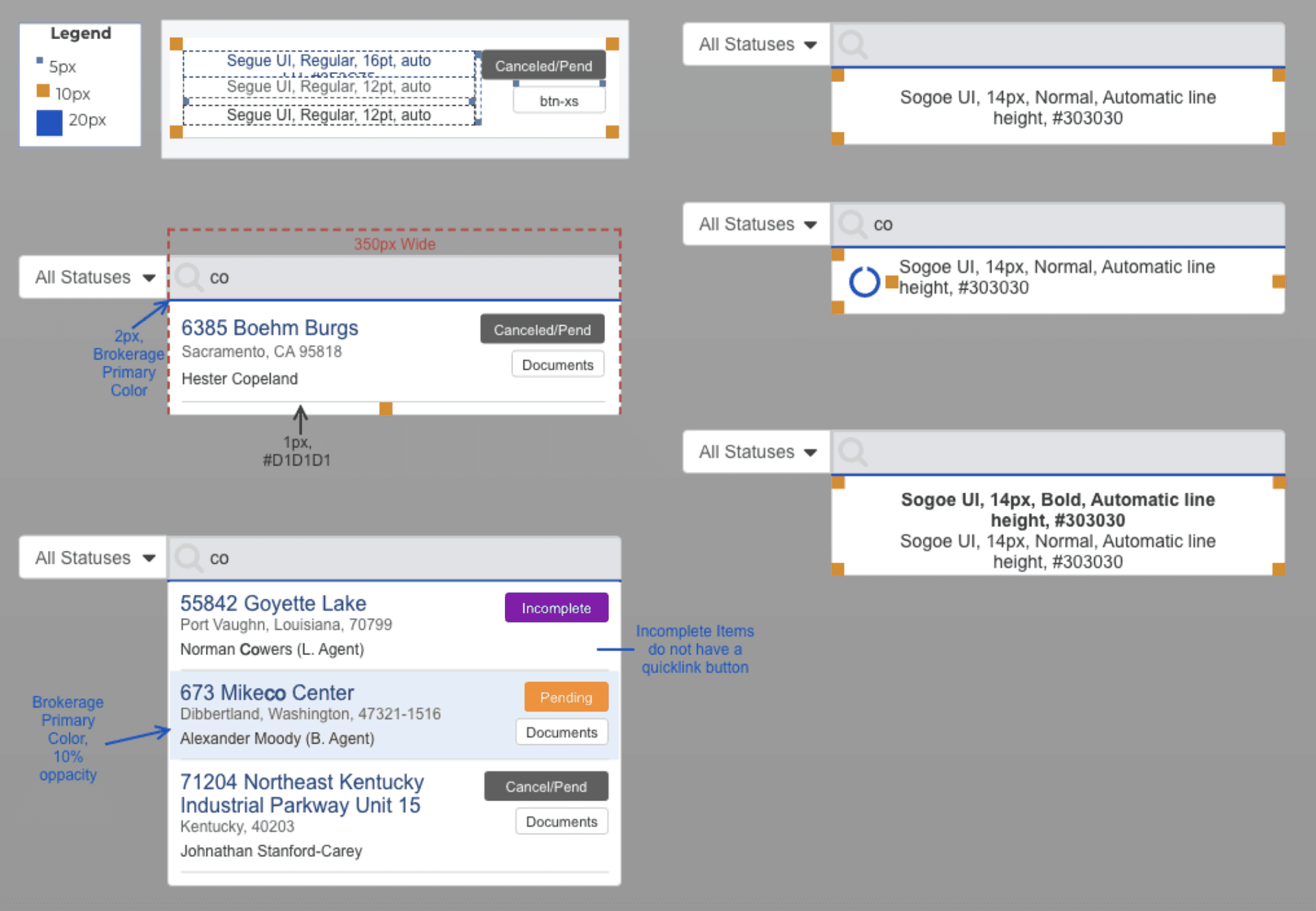
I had data-supported clarity and confidence in my search solution. In a deck loaded with charts, quotes, logos, and photos, I presented the research and designs to company leadership for approval.
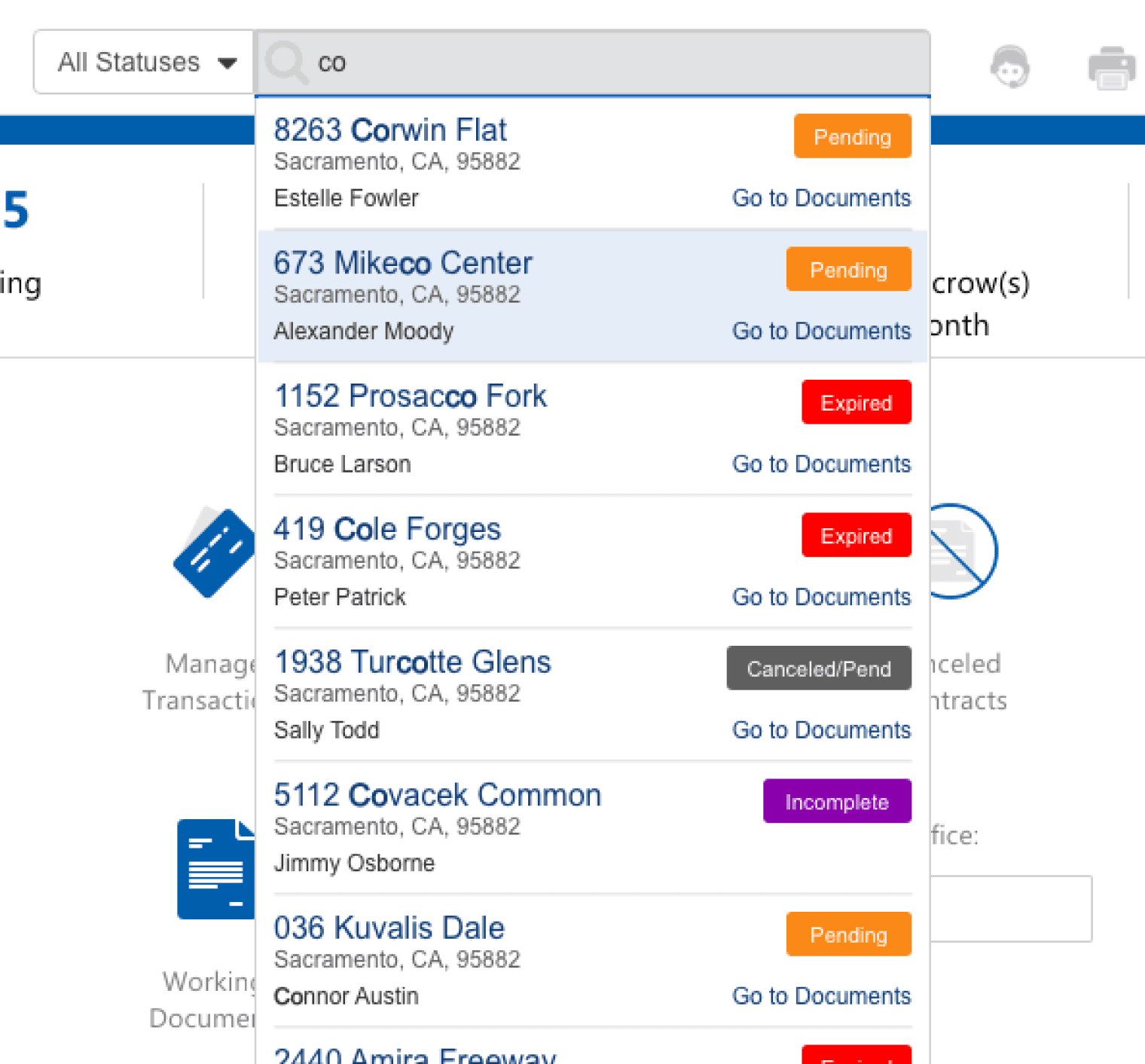
Grand Slam
Home Run